Kai Cenat GTA 6: How to Clip His Streams for Shorts

If you want to run a faceless clip channel around one creator, Kai Cenat GTA 6 content is close to perfect fuel — and the goal of this page is specific: show you how to turn a single multi-hour Kai stream into dozens of vertical Shorts in an afternoon, without scrubbing the timeline by hand. Kai is the record-setting Twitch subathon name, and his defining trait is pure, unfiltered energy: the loud reactions, the group chaos with AMP, the moments where an entire chat loses it at once. That is exactly the raw material that becomes a scroll-stopping Short.
Below we break down why his streams clip so well, the one bottleneck that stops most people, and the exact AI workflow that lets a solo creator keep up. When Rockstar's new open world lands, the creators who win the Kai Cenat GTA 6 clip wave won't be the best editors — they'll be the fastest, most consistent posters. This is how you become one of them.
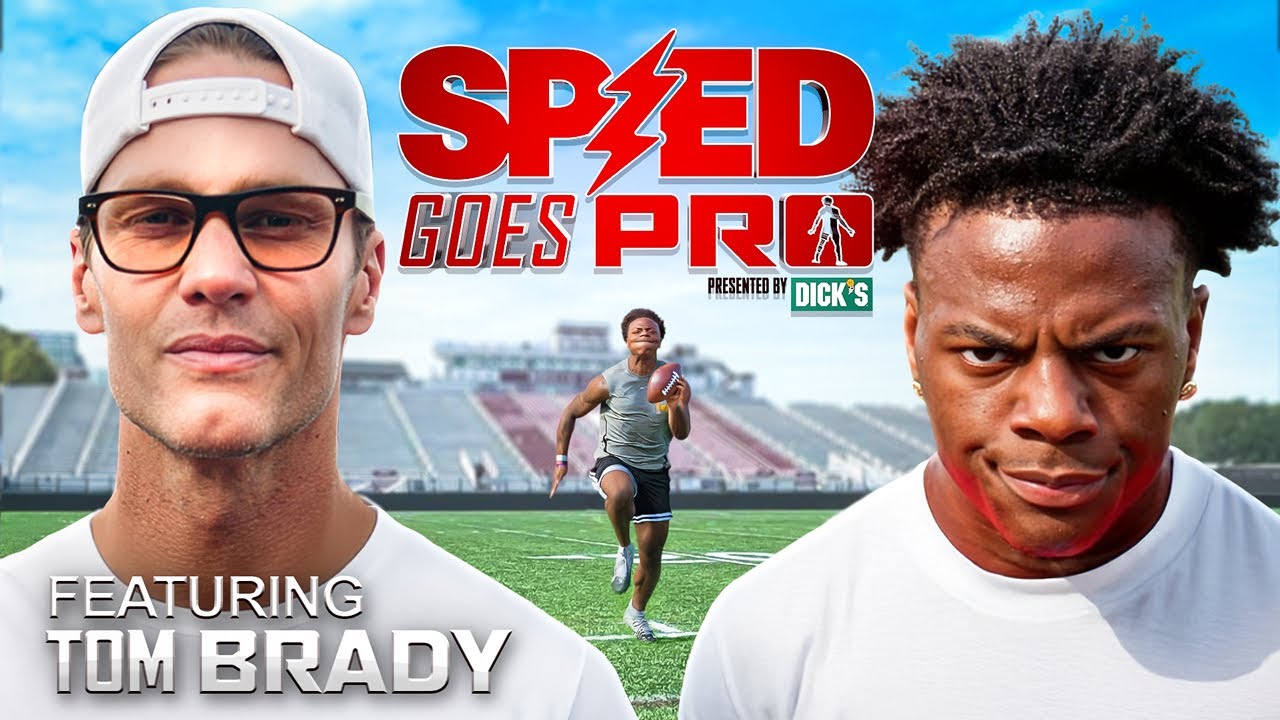

Why Kai Cenat's GTA 6 streams are a clip goldmine
Great clip channels aren't built on great editing. They're built on great source material — a creator whose stream produces a high number of peak moments per hour. Kai's style checks every box a clipper looks for:
- High-energy reactions. His volume and expressions spike hard and often. Those spikes are the exact frames a viewer stops scrolling for.
- Group dynamics. AMP and guest streams put multiple personalities in one shot, so a single moment often has two or three clippable angles.
- Massive live audiences. A big concurrent viewership means a moment is already validated as "the thing everyone reacted to" before you ever clip it.
- Constant novelty. He rarely camps on one activity, which produces a steady flow of distinct moments instead of ten minutes of the same thing.
Now layer GTA 6 on top. Around the launch window, first-load-in reactions, "wait, you can do that?" discoveries, chaotic multiplayer sessions, and the spectacle of a brand-new open world are built-in reaction bait. A creator like Kai reacting to a major new Rockstar title is a near-guaranteed supply of loud, screenshot-worthy peaks. You don't have to manufacture drama — you just have to catch it and package it fast.
The ClipSpeedAI team's take: The mistake we see over and over is clippers treating "funny moment" as the finish line. It isn't. On a Kai stream the funny moments are abundant — the scarce resource is a posted, captioned, correctly-framed Short that goes up while the moment is still hot. Almost every clipper who plateaus is bottlenecked on their edit-and-export step, not on finding good content. Fix the speed of your pipeline before you worry about finding better moments; on a creator this loud, the moments find you.
The bottleneck every Kai Cenat clipper hits
Here's what actually stops most people: volume. A single Kai Cenat stream can run for hours. To clip it by hand you'd scrub the whole timeline hunting for the good parts, trim each one, drop it into an editor, reframe to 9:16, keep the speaker centered, burn in captions, write a title and hashtags, and export. That's a large chunk of time per clip — and by the time you finish, the moment is stale and dozens of other accounts have already posted it.
The winners in this space aren't the best editors. They're the fastest, most consistent posters. Turn one stream into ten or twenty clips the same day and you get more shots at the algorithm, more chances to catch a breakout, and a real posting cadence. The only way a solo creator hits that volume is by removing the editing step almost entirely — which is where an AI clipper changes the math.
What actually clips well from a Kai Cenat stream
Not every second is worth cutting. The table below is editorial guidance from our team — not measured data on Kai's specific streams — meant as a starting framework for which moment types tend to reward a clipper and roughly how long to keep them. Treat it as a checklist you adapt as you learn your own channel's audience.
| Moment type | Why it clips | Rough length | Best caption angle |
|---|---|---|---|
| Loud freakout / peak reaction | Instant scroll-stopper; the volume spike is the hook | 10-25s | Open on the loudest second, minimal setup |
| Perfect one-liner or quote | Highly quotable, rewatchable, easy to title | 8-20s | Put the line itself in the caption |
| AMP / group chaos | Multiple personalities = multiple angles | 15-30s | Name-drop the group for the fan crowd |
| First-time-in-GTA-6 surprise | Novelty + GTA 6 search interest around launch | 15-30s | Lead with "first time" and the discovery |
| Fail / clutch / unexpected outcome | Clear payoff arc in a few seconds | 10-25s | Tease the outcome without spoiling it |
The pattern across all of them: a clear peak, a short runway, and a caption that tells the viewer what they're about to see. Anything that needs a minute of context before it pays off usually isn't a Short — it's a highlight for a long-form recap.
How to clip Kai Cenat's GTA 6 streams into Shorts (the fast way)
This is the workflow that lets one person run a serious Kai Cenat GTA 6 clip channel without a team. Let AI do the finding, reframing, and captioning so your time goes only to the parts that need a human: selection and posting.
- Grab the source. Copy the link to the stream or VOD (Twitch, Kick, or YouTube), or upload a file you've recorded.
- Let the AI find the moments. Instead of scrubbing, feed the video to an AI agent that scans the whole thing and surfaces the highest-potential moments automatically. This single step is the biggest time-saver — no timeline hunting.
- Auto-reframe to vertical. The tool crops to 9:16 with AI face and speaker tracking, so when Kai leans in and reacts he stays centered instead of drifting off a cropped frame.
- Add captions and metadata. Animated captions (gaming, MrBeast, and Hormozi-style looks all suit reaction content), plus auto titles and hashtags, so each clip lands with the sound off.
- Review and cherry-pick. You still choose the winners. Keep the loudest, funniest, most GTA-6-specific moments and cut the mid ones.
- Export and schedule. Push finished vertical clips to YouTube Shorts, TikTok, and Reels, and space them out so you post consistently instead of dumping ten at once.
Native Twitch and Kick support matters here specifically, because that's where a huge share of top streamers actually broadcast. A tool that only handles YouTube leaves you re-downloading and re-uploading; pasting a Twitch or Kick link directly is what keeps this same-day fast. For the full framework beyond one creator, see how to clip GTA 6 streams automatically with AI.
How ClipSpeedAI speeds up clipping Kai Cenat's streams
ClipSpeedAI is the clipping-and-repurposing step of this exact workflow. Paste a Kai Cenat stream or VOD link — or upload a recording — and its AI agent (GPT-4o-class viral-moment detection) scans the footage and pulls the highest-potential moments for you, no timeline scrubbing. It reframes each moment to vertical 9:16 with AI speaker tracking, layers on animated captions in multiple styles (including gaming, MrBeast, and Hormozi looks), and generates titles and hashtags. Optional AI B-roll and zoom punch-ins add movement to the flatter moments.
The practical result: one long Kai Cenat GTA 6 stream becomes dozens of ready-to-post vertical clips in minutes, and you can schedule them across platforms from one place. That's what makes it realistic for a solo creator to run a faceless GTA 6 clip channel at real volume. If you're weighing options, this ranked look at the best AI clipping software for GTA 6 puts the tradeoffs side by side. For a Kai-focused channel, an AI clipper like ClipSpeedAI keeps your energy on picking winners and posting daily instead of editing.
Turning Kai Cenat clips into an actual channel
Speed gets you clips. Strategy gets you growth. A few things separate a channel that pops from one that just reposts:
- Open on the peak. Cut the setup. Start on the loudest second — the reaction, the punchline, the "GET OUT" moment. You have about one second to stop the scroll.
- Keep it tight. Most reaction Shorts hit hardest under 30 seconds. Let the AI trim close and don't pad it.
- Write real titles. "Kai Cenat's first time in GTA 6" beats "funny moment." Tell the viewer what they're about to see.
- Find your angle. AMP-focused clips, pure-reaction clips, or GTA-6-only clips each pull a slightly different audience. Pick a lane so your channel reads as intentional.
- Post consistently. Volume plus consistency is the whole game — set a daily number and hold it, guided by a real GTA 6 Shorts strategy.
Kai isn't the only creator whose GTA 6 streams will print clips. To diversify, the IShowSpeed GTA 6 clipping guide and the broader GTA 6 Shorts maker walkthrough cover other high-energy angles worth building around, so a slow day on one channel never means a slow day overall.
The bottom line
Kai Cenat is the kind of streamer clip channels are built on: loud, unpredictable, massively watched, and constantly producing peak moments — and a new Rockstar open world will only amplify that. The opportunity isn't scarce; the bottleneck is speed. The clippers who win the Kai Cenat GTA 6 wave will be the ones who turn a full stream into a stack of captioned vertical Shorts the same day and post them relentlessly. Let AI handle the finding, reframing, and captioning, spend your energy on selection and cadence, and you can run a real channel around one of streaming's biggest stars — solo.
Turn GTA 6 streams into a daily clip machine
ClipSpeedAI's AI agent finds the viral moments, reframes them vertical, and adds captions — so you can clip GTA 6 at volume and post everywhere.
Try ClipSpeedAI →