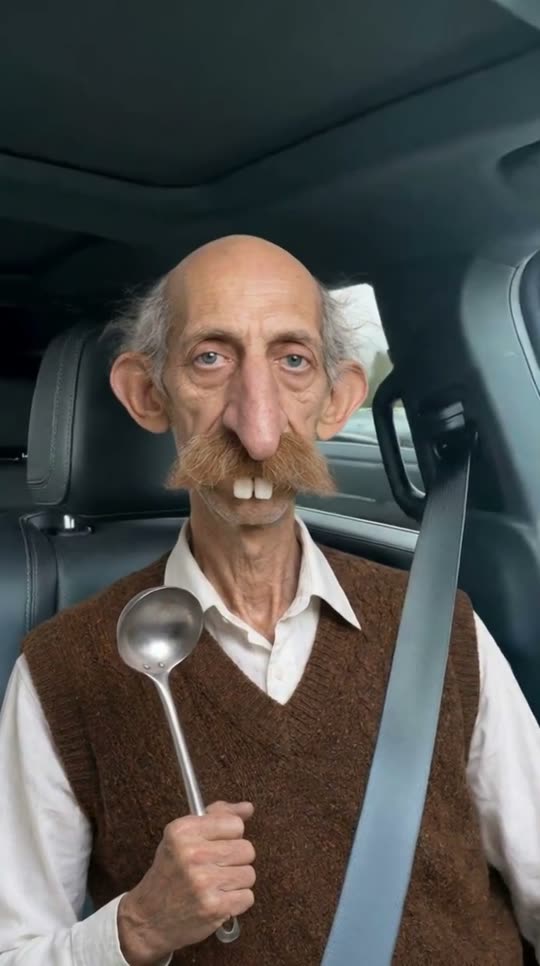
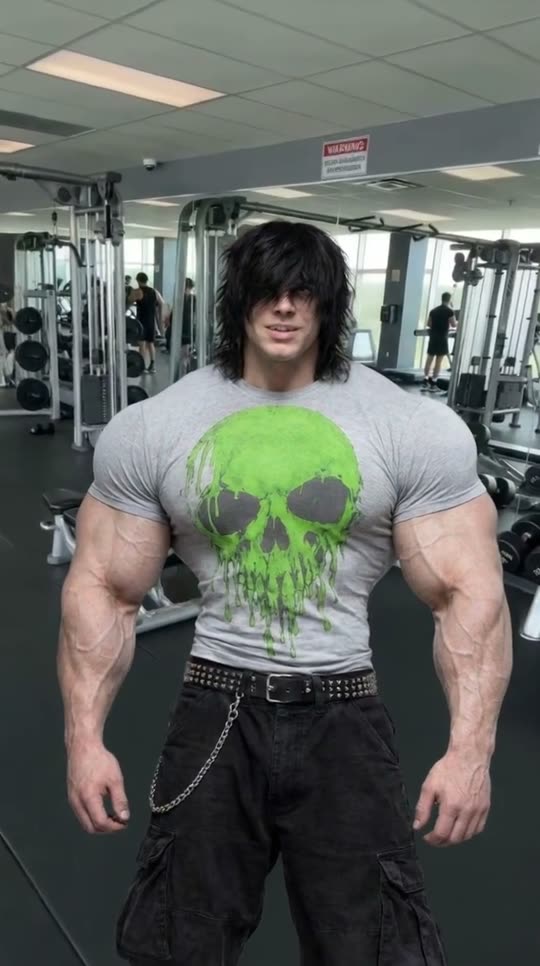
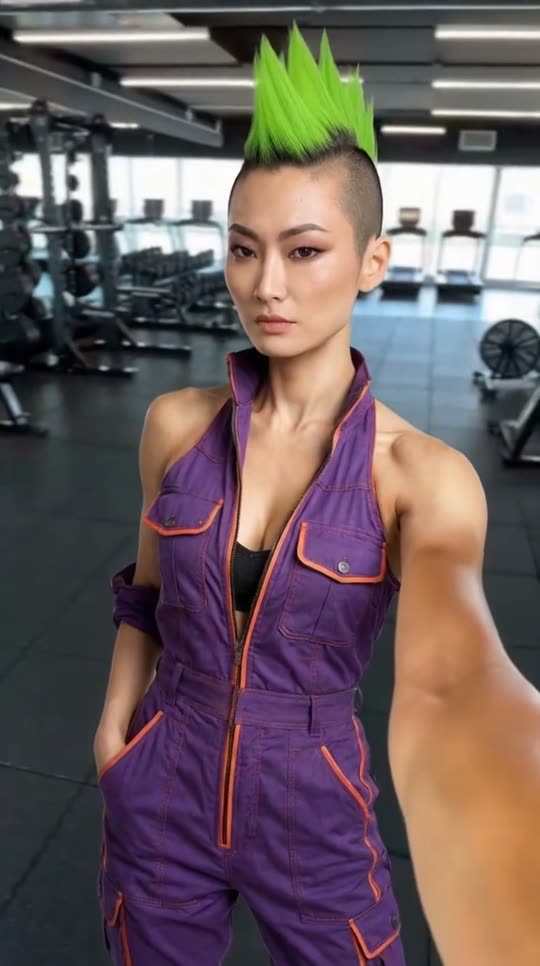
A frame from a real Morphaze swap with this character.
/influencer-in-a-scene🧑🎤 AI InfluencerReferences6 credits
Put your influencer in a scene in Claude & ChatGPT
Place your saved character in any setting, in a still or a video, and they stay the same person.
Example prompt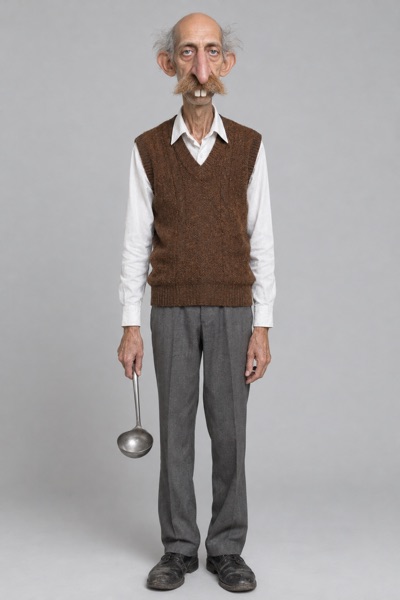 Your influencer
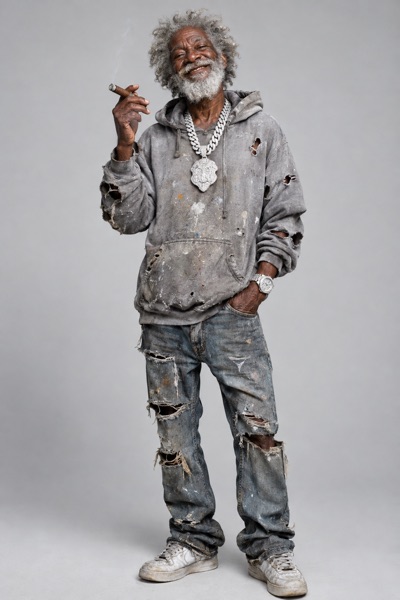
Your influencer@ClipSpeed Put Tawa Uncle in the driver’s seat of a car, giving the camera a deadpan look.
Start in 3 steps
- Add ClipSpeed to your AIOne URL for everything:
https://api.clipspeed.ai/mcp. Sign in with ClipSpeed, no API key.Add to ClaudeOther apps - Prepare your briefYour character and the scene in a sentence: place, action, light.
- Run your first promptCopy the example, open a new chat, attach anything it needs and send. You see the credits before anything runs and say yes in the chat.
How it goes in the chat
Your influencer@ClipSpeed Put Tawa Uncle in the driver’s seat of a car, giving the camera a deadpan look.
I’ll use his character sheet as the reference so his face doesn’t drift.
ClipSpeedPrompt for this example
Your influencerUpload any 4–15 second clip and pick your character. Here the AI Influencer Tawa Uncle performs every move, expression and word of a 5-second selfie clip, with its sound kept.
Upload any 4–15 second clip and pick your character. Here the AI Influencer Emo Titan performs every move, expression and word of a 5-second selfie clip, with its sound kept.
Upload any 4–15 second clip and pick your character. Here the AI Influencer Neon Mechanic performs every move, expression and word of a 5-second selfie clip, with its sound kept.
Nano Banana ProCharacter reference6 credits
This costs 6 credits. Make it?
6 creditsYes, make it
Done. Same face, new scene.
Recommended presets
 Create your AI influencerDesign a consistent character once, from a preset or a sentence, then reuse them in every video, image and swap./ai-influencer · AI Influencer
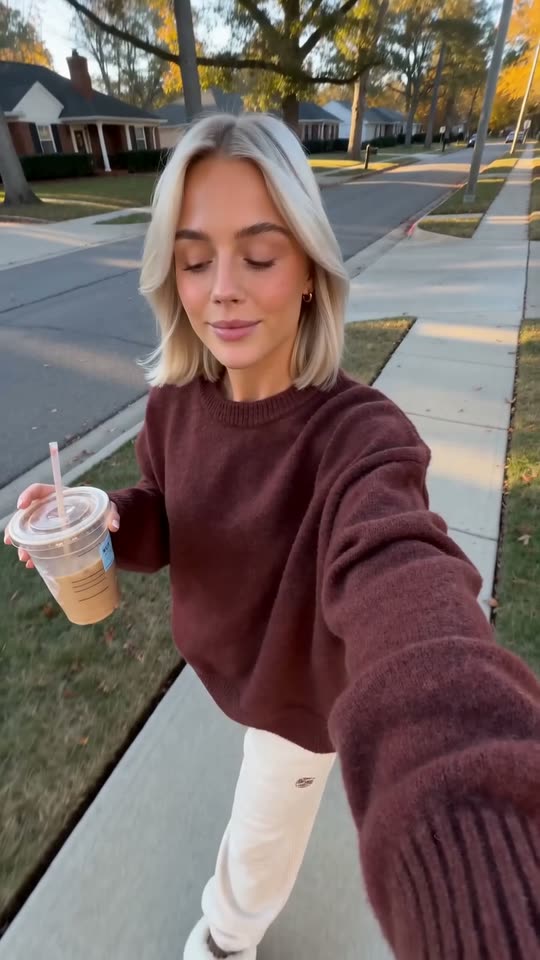 Cinematic videoDescribe a scene and get a filmed-looking shot with real camera movement, light and sound./cinematic-video · AI Video
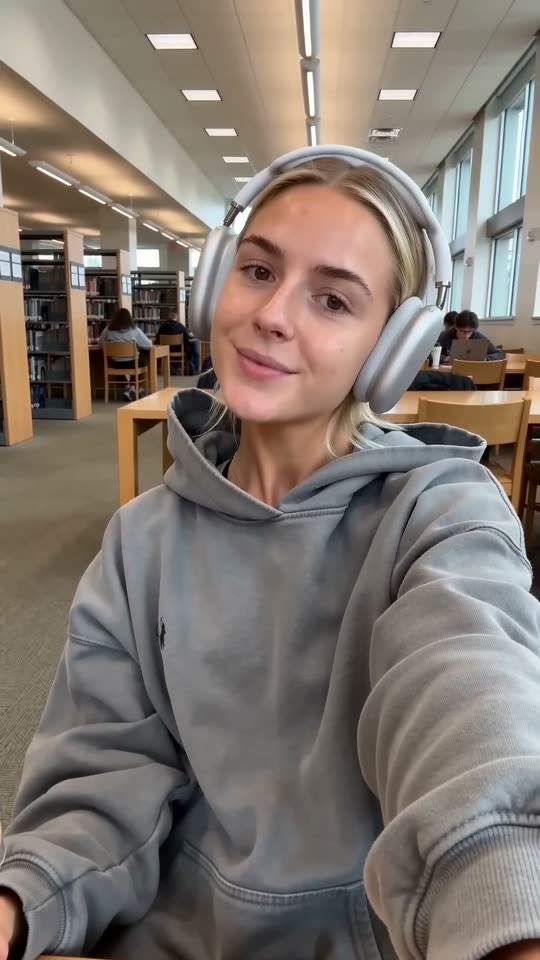 Photo to videoAnimate your own photo: it becomes the exact first frame, and the prompt only describes the motion./photo-to-video · AI Video