Choose the motion source
Use a clip you own or control. Its action, framing and scene form the foundation of the project, so choose a source where those things are already intentional.
Start with the motion source, then add the character references and refinement that explain what should remain stable in the scene. Rights, consent and source control come first.
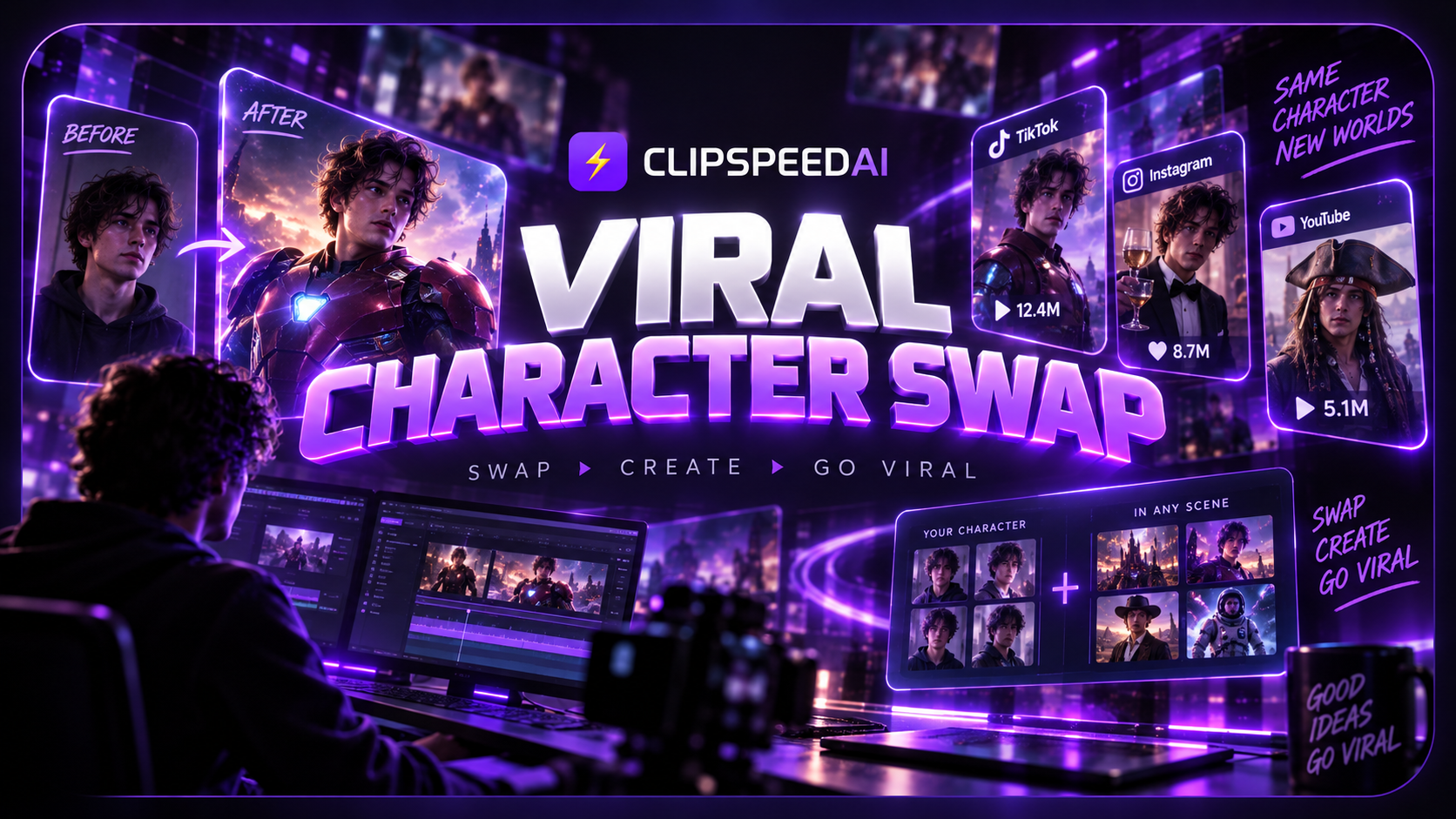
The workspace provides the current availability and project state for your account. Open it in a full window.
A believable character-oriented scene starts with separating what comes from the source from what comes from the reference. The motion source establishes timing, camera and environment. Character images establish the intended appearance. The refinement explains what should matter most—and none of those inputs override the need for permission.
Use a clip you own or control. Its action, framing and scene form the foundation of the project, so choose a source where those things are already intentional.
Pick owned, authorized images that show the aspects a viewer needs to recognize. Keep the instruction about wardrobe, appearance and presence straightforward.
Before a project is shared, confirm consent, likeness rights, source rights and the disclosure expectations of the platform where it will appear.
Describe the scene in two layers. First, what cannot change: the source action, camera path, timing and environment. Second, what the reference needs to establish: hair, clothing, posture, expression or a product interaction. This turns “make them look right” into something a creator can actually review.
For more background, see our guide to consistent AI characters in video and the practical prompt-writing guide. Both focus on specificity without pretending that a name alone solves visual consistency.
Develop scenes around characters you created or have rights to use, while keeping the source action and camera plan clear.
Prepare motion concepts for an authorized mascot with consistent visual traits and a controlled scene.
Use draft scenes to decide which character, setting and emotional beat best fits a larger original sequence.
Give an editor or collaborator a concise description of what comes from the motion source and what comes from the character reference.
Use a video you own or have permission to transform. Choose a source with a deliberate action and readable framing, because the source is where the scene’s motion and camera logic begin.
You need rights to the source footage and references, plus the right to use a person’s likeness where relevant. Publishing can also require disclosure. Read our AI disclosure rules guide and consult appropriate professional advice for high-stakes or commercial situations.
Availability, pricing and delivery must be verified for the account and configuration. The workspace reports that state directly instead of this page making promises ahead of a live contract.