Dance trends
Your character takes over the routine, step for step, beat for beat.
The AI character swap behind our most-shared videos. Give it a 4–15 second clip and a character, and your character performs every move — same timing, same energy, new face.
Original ClipSpeed clips and characters. Every swap kept the source timing.
The left side is our original clip; the right side is the Morphaze result. Timing, framing and camera move stay; the person changes.
Your character takes over the routine, step for step, beat for beat.
Gasp, eye-roll, laugh — the expression lands on a new face.
Recast a two-line skit with a character your audience already knows.
Put a mascot into whatever format is trending this week.
One AI influencer, a new viral format every day.
Ignite carries the face and mouth movement from your clip onto the character.
Morphaze copies a real clip move for move, so the timing that made it viral survives the swap.
Ignite copies every move, face and lip movement and keeps your video’s size and sound. Impact gives the sharpest detail at 720p or 1080p.
Design an AI influencer once as a character sheet, then put the same face into Morphaze videos and ads.
Every generation shows its credit cost for the model, length and quality you picked before you confirm it.
Open Morphaze and bring a clip in one of these formats.
An MP4 between 4 and 15 seconds that you have the rights to use.
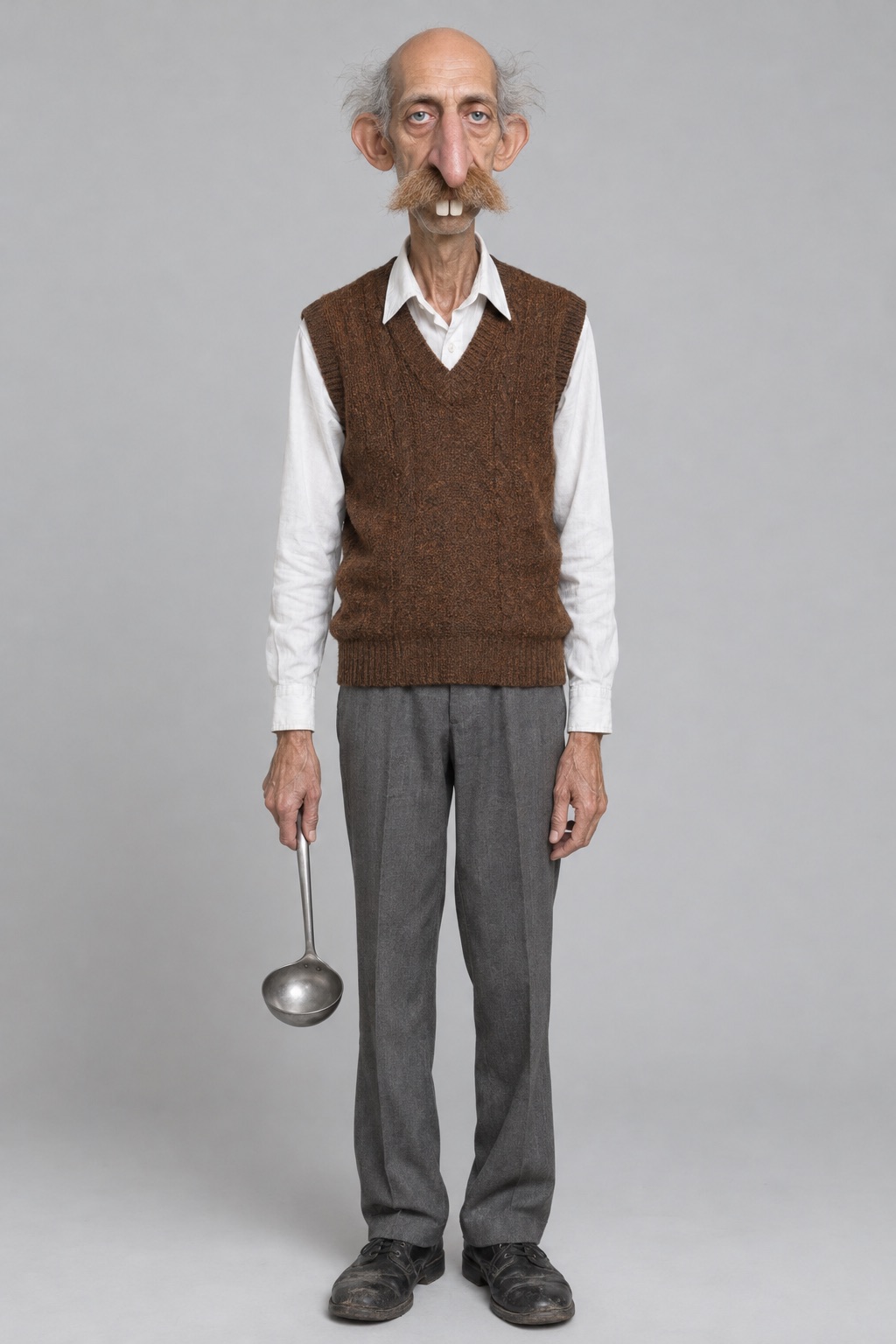
One to three images, or a saved AI Influencer character.
Morphaze places the character in the first frame, then animates it with the clip’s moves.
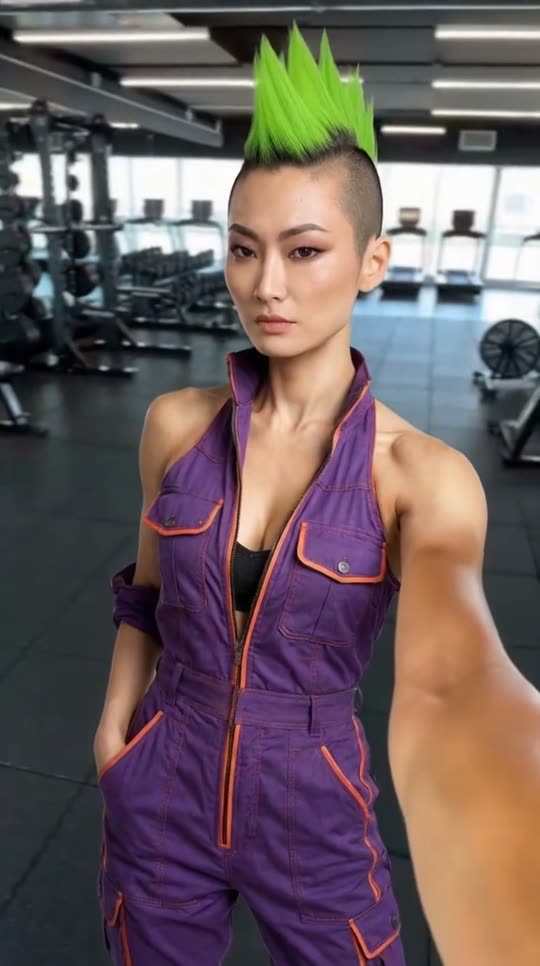
Morphaze works in two steps. First it places your character into the first frame of your clip — same position, pose, framing, background and light — so the starting picture already looks like the character was there. Then it animates that frame with the motion of the original video: every step, gesture, head turn and expression, on the original timing. That second step is why a swap feels like the trend instead of an imitation of it.
Ignite 🔥 is the recommended engine. It copies every move, the face and mouth movement from your video, and keeps your video’s size and sound, so the result drops straight back into the format you took it from. Impact ⚡ goes for the sharpest detail and renders at 720p or 1080p, with an option to keep the source audio. Both take the same inputs.
The source clip matters more than anything else. Use 4–15 seconds, one main person, the body as fully in frame as the motion needs (head to toe for dances), and a camera that does not cut. Strong light and a clear face help. For the character, one sharp full-body image is enough; add up to three if the character has details that only show from certain angles. Saved AI Influencer characters plug straight in.
Only upload clips you made or have permission to use, and only use characters you created or have the rights to. Morphaze is built for original characters and mascots — not for putting real people somewhere they never were. Label AI video where the platform asks you to.
Morphaze is billed on your source clip’s length plus one second, with the scene step included, so a 10-second clip on Ignite is 59 credits.
ClipSpeed’s AI character swap. You give it a short clip and a character, and the character performs the clip’s motion move for move.
Ignite copies every move, the face and lip movement and keeps your video’s size and sound. Impact renders the sharpest detail at 720p or 1080p and lets you keep the source audio.
Between 4 and 15 seconds, as an MP4 up to 100 MB.
One to three clear images of the character (JPG, PNG or WebP, up to 20 MB each). A full-body shot helps for dances. Saved AI Influencer characters work too.
Everything runs on one monthly credits wallet that you also use for clipping: Starter is $19 for 300 credits, Pro $39 for 600 and Ultra $59 for 1,000. Morphaze is billed on the clip length plus one second: about 59 credits for a 10-second clip on Ignite, 79 on Impact at 720p. The generator shows the credits before you confirm, and credits reset each billing cycle. See pricing for the full table.
Use characters you created or have permission to use. Morphaze is for original characters, mascots and people who have agreed to it, never for impersonating someone.
New accounts can start with a $1 3-day trial: 30 minutes of clipping on any plan, watermark-free, plus your own AI Influencer. AI Video, AI Images, Morphaze and AI Ads unlock when your plan starts — or skip the trial in the app to unlock them now.
You do. Our Terms say you keep full ownership of anything you upload or generate, and you are responsible for how you use it — including having the rights to any photo or clip you upload. Platforms increasingly ask you to label realistic AI video; our disclosure guide covers YouTube, TikTok and Meta.
 AI Video Generator
 AI Image Generator
 AI Influencer Generator
 Morphaze AI Character Swap
 AI Motion Transfer
 AI Dance Video Generator
 AI Ad Generator
 AI UGC Video Generator
 AI Product Photo Generator
 Image to Video
 Text to Video
 AI Spokesperson Video
 Faceless Video Generator
 AI Storyboard Generator
Plans from $19 a month for 300 credits, shared across every AI model and your clips. Pro is $39 for 600, Ultra $59 for 1,000. Cancel anytime.
 Seedance 2.5
 Nano Banana Pro
 Veo 3.1
 AI Clip Maker