Ad creatives
Social ads with real headlines, buttons and price stickers that read correctly.
Ad creatives, product shots, posters and key frames from a sentence. Nano Banana Pro for photoreal and perfect text, GPT Image 2 for precise layouts, Grok Imagine for bold styles.
Ads, product shots and portraits made with the models above, no retouching.
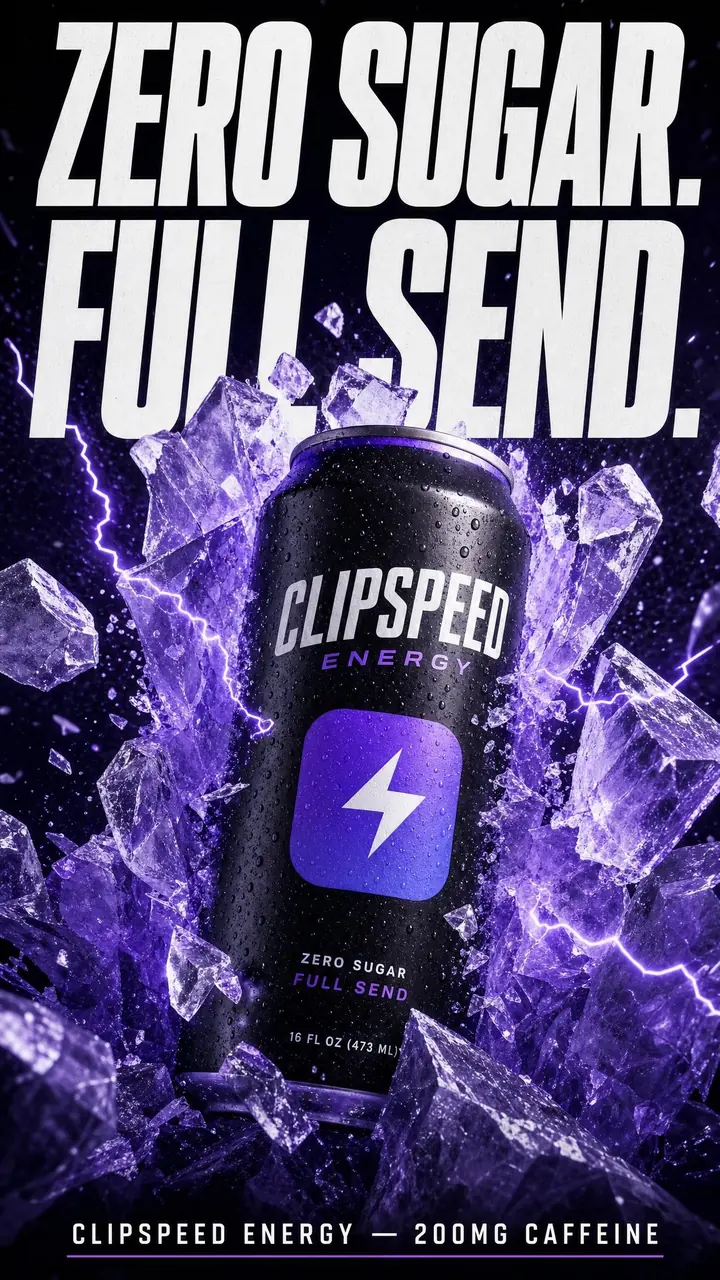 GPT Image 2
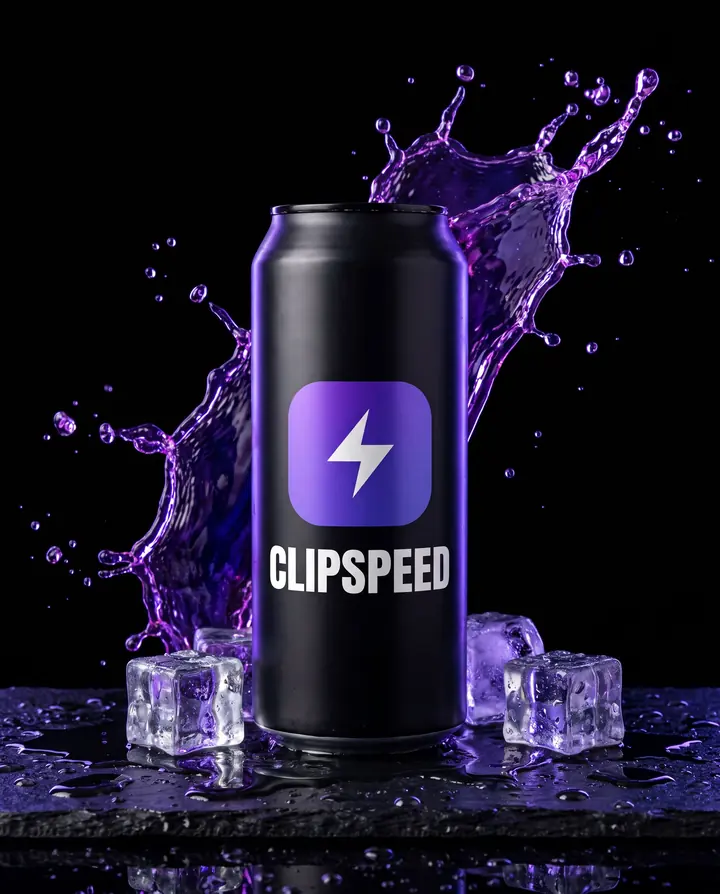 Nano Banana Pro
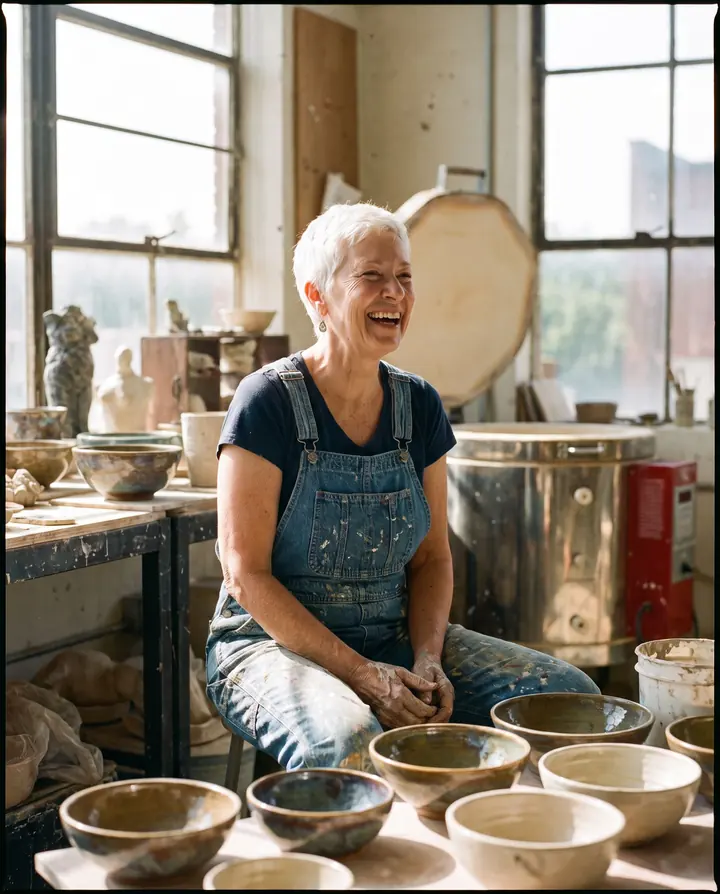 Nano Banana Pro
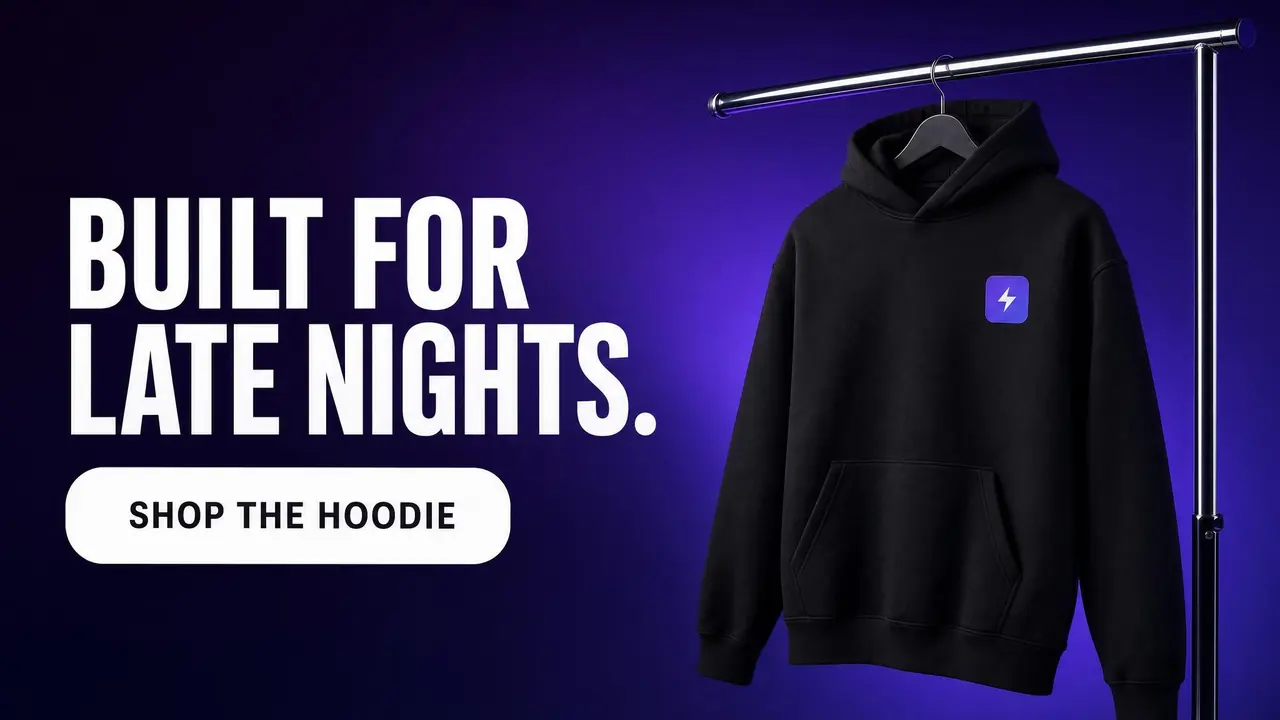 GPT Image 2
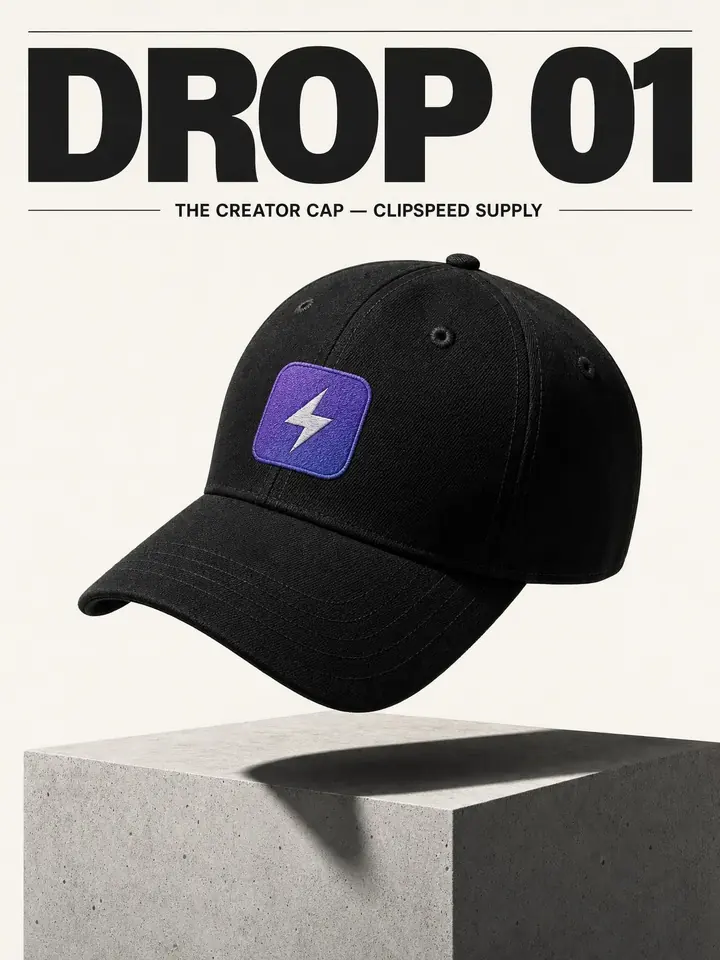 GPT Image 2
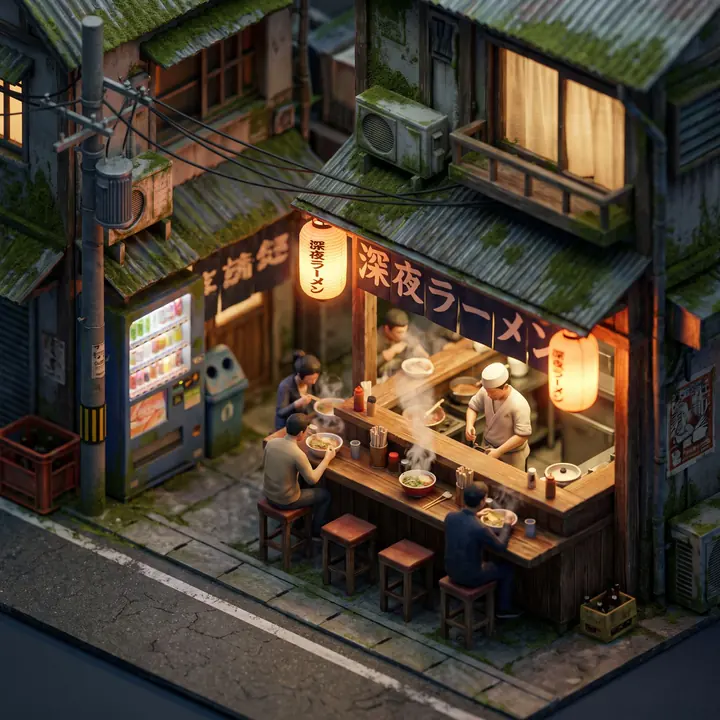 Nano Banana Pro
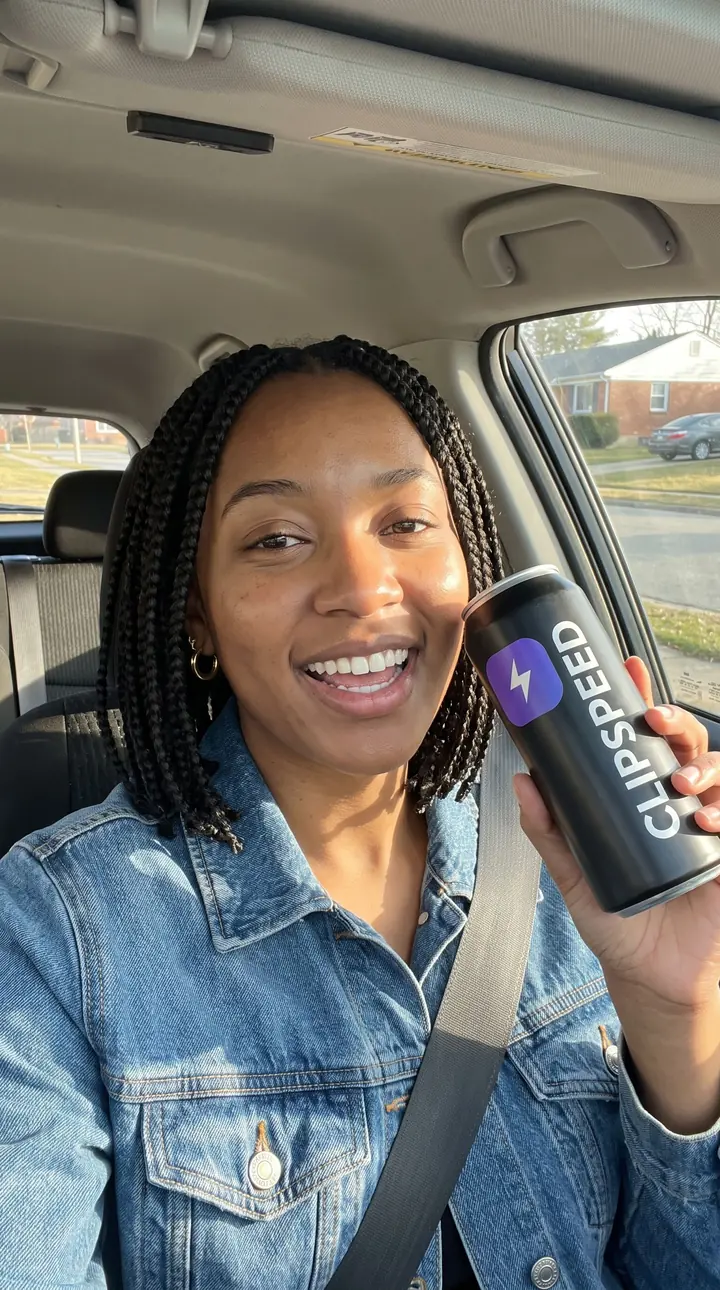 Nano Banana Pro
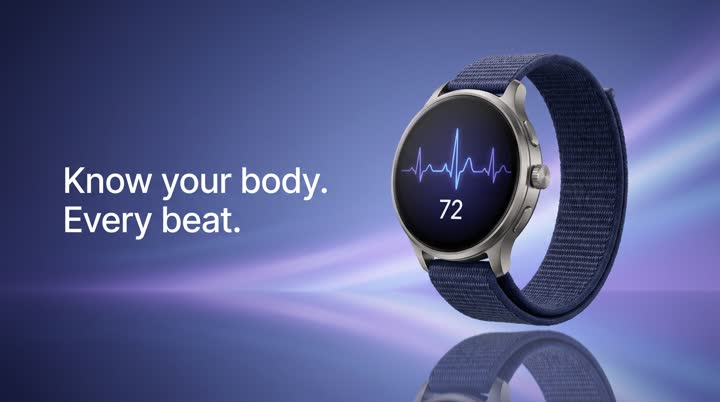 Nano Banana Pro
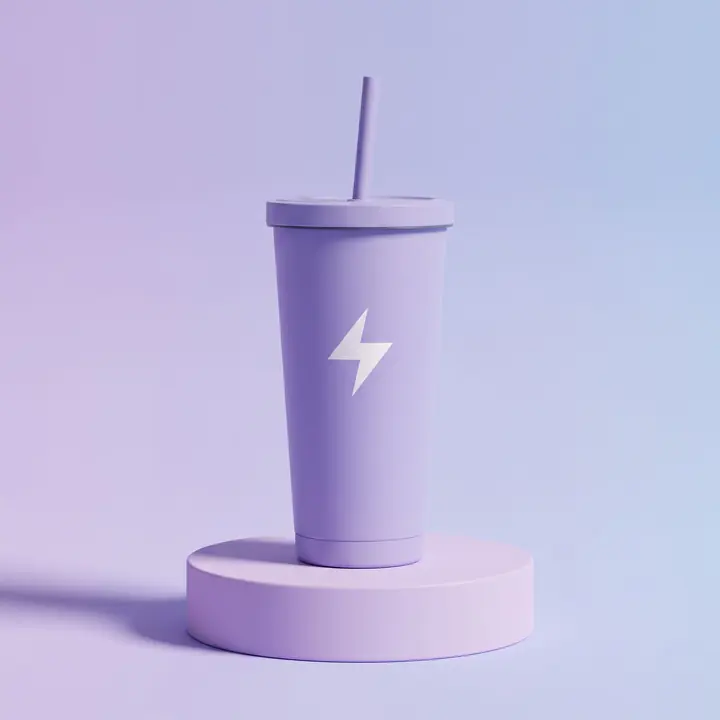 Nano Banana Pro
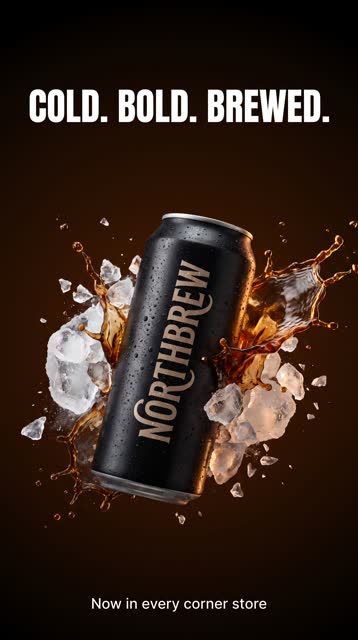 Nano Banana Pro
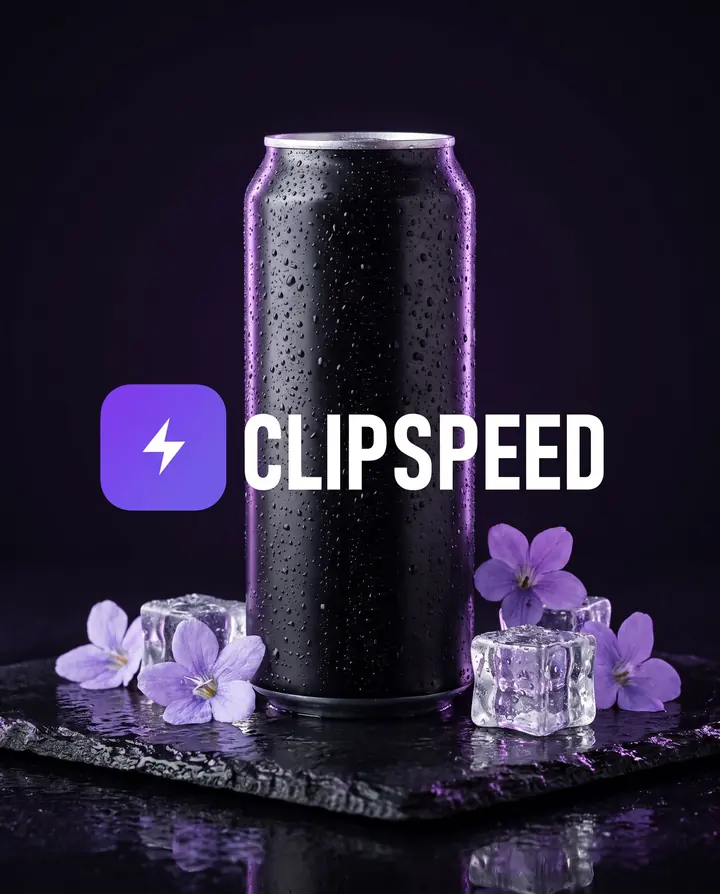 Nano Banana Pro · reference edit
Social ads with real headlines, buttons and price stickers that read correctly.
Studio hero shots, lifestyle scenes and flat lays without a studio day.
Big faces, big type and bright contrast, sized 16:9 for YouTube.
Event posters, drop announcements and web banners in any of ten aspect ratios.
Make the exact first frame you want, then animate it with any video model.
Editorial portraits and recurring characters you can reuse across a campaign.
Add a reference image as the first frame on any video model, or up to four reference photos on Nano Banana Pro and GPT Image 2.
Every generation shows its credit cost for the model, length and quality you picked before you confirm it.
Seedance, Kling, Veo, MiniMax, Nano Banana Pro and GPT Image 2 all draw from the same monthly credits as your clips. No stack of subscriptions.
Nano Banana Pro and GPT Image 2 render headlines, labels and buttons legibly, so ad copy survives the generation.
Tap one to drop it into the generator above, then make it yours.
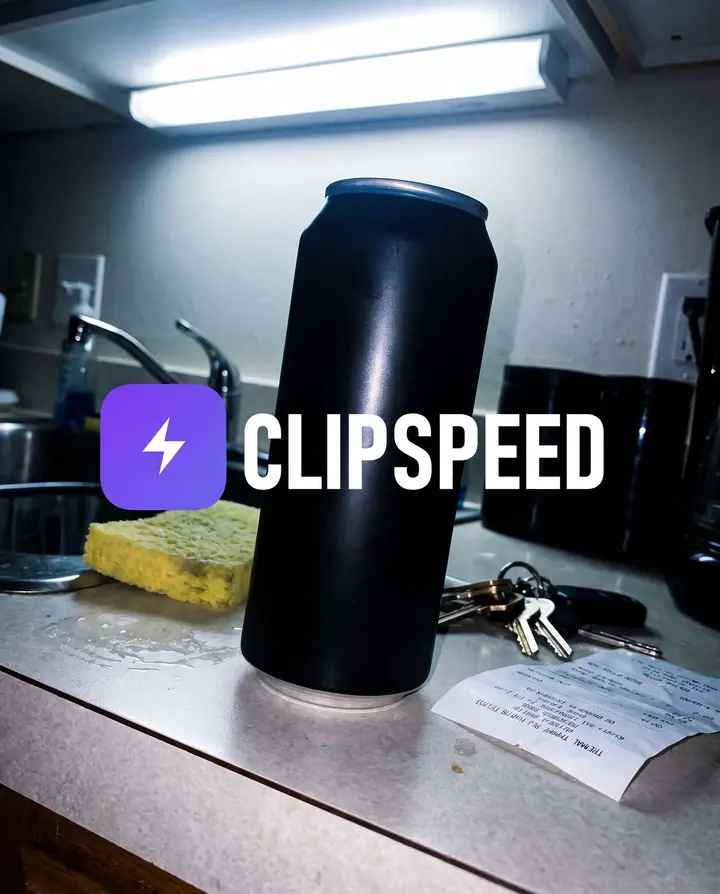
Up to four of your own photos on Nano Banana Pro or GPT Image 2 — a product, a logo, a face.
1K, 2K or 4K on Nano Banana Pro; Low, Medium or High on GPT Image 2.
Use it as an ad, or send it to the video generator as a start frame.
Nano Banana Pro is the default for a reason. It is the most photoreal of the three, it renders faces and small text cleanly, and it accepts up to four reference images. That last part matters more than any prompt trick: give it your actual product photo and ask for a new scene, and the label, colour and shape stay yours. It renders at 1K, 2K or 4K, and in ten aspect ratios from 21:9 banners to 9:16 stories.
GPT Image 2 is the most literal. When an image is mostly typography — a poster, a menu, an infographic-style ad with a headline, a subline and a button — it follows the layout you describe closely. It also takes up to four reference images, and its Low, Medium and High quality settings let you draft cheaply and spend only on the final.
Grok Imagine is the stylist. It does not take references, but for illustration, saturated colour and unusual shapes — including very wide and very tall formats — it is fast and inexpensive in credits.
Structure beats length. Say what the image is for (“vertical social ad”, “YouTube thumbnail”), the subject and what it is doing, the setting, the light, and any exact text in quotes. If the image needs a brand, describe the shape and colour of the logo or attach it as a reference instead of hoping the model guesses. For products, attach the photo and say “keep the product, logo and lettering unchanged” — it is the line that stops a model from redesigning your packaging.
Images are also the cheapest way to get a video right. Generate the first frame here, then open the image-to-video flow and describe only the motion.
Nano Banana Pro, GPT Image 2 and Grok Imagine. You choose per image.
Yes. Nano Banana Pro and GPT Image 2 each accept up to four reference images. Grok Imagine works from the prompt alone.
Yes. Put the exact words in quotes. Nano Banana Pro and GPT Image 2 are both reliable with headlines, labels and buttons.
Nano Banana Pro offers 1:1, 4:5, 9:16, 16:9, 3:4, 4:3, 2:3, 3:2, 5:4 and 21:9 at 1K, 2K or 4K. GPT Image 2 and Grok Imagine cover the common social and web ratios.
One image per generation, so you only spend credits on the images you ask for.
Everything runs on one monthly credits wallet that you also use for clipping: Starter is $19 for 300 credits, Pro $39 for 600 and Ultra $59 for 1,000. A Nano Banana Pro image is 6 credits at 1K or 2K and 11 at 4K; GPT Image 2 is 1, 2 or 5 credits by quality; Grok Imagine is 2. The generator shows the credits before you confirm, and credits reset each billing cycle. See pricing for the full table.
New accounts can start with a $1 3-day trial: 30 minutes of clipping on any plan, watermark-free, plus your own AI Influencer. AI Video, AI Images, Morphaze and AI Ads unlock when your plan starts — or skip the trial in the app to unlock them now.
You do. Our Terms say you keep full ownership of anything you upload or generate, and you are responsible for how you use it — including having the rights to any photo or clip you upload. Platforms increasingly ask you to label realistic AI video; our disclosure guide covers YouTube, TikTok and Meta.
 AI Video Generator
 AI Image Generator
 AI Influencer Generator
 Morphaze AI Character Swap
 AI Motion Transfer
 AI Dance Video Generator
 AI Ad Generator
 AI UGC Video Generator
 AI Product Photo Generator
 Image to Video
 Text to Video
 AI Spokesperson Video
 Faceless Video Generator
 AI Storyboard Generator
Plans from $19 a month for 300 credits, shared across every AI model and your clips. Pro is $39 for 600, Ultra $59 for 1,000. Cancel anytime.
 Seedance 2.5
 Nano Banana Pro
 Kling 3.0
 Veo 3.1
 AI Clip Maker