Trend takeovers
Your AI influencer does this week’s dance before the trend peaks.
Make any character dance the routine everyone is doing. Bring a dance clip, pick a character, and Morphaze performs it step for step — on the beat, with the original sound.
Dance clips and dancers made with ClipSpeed.
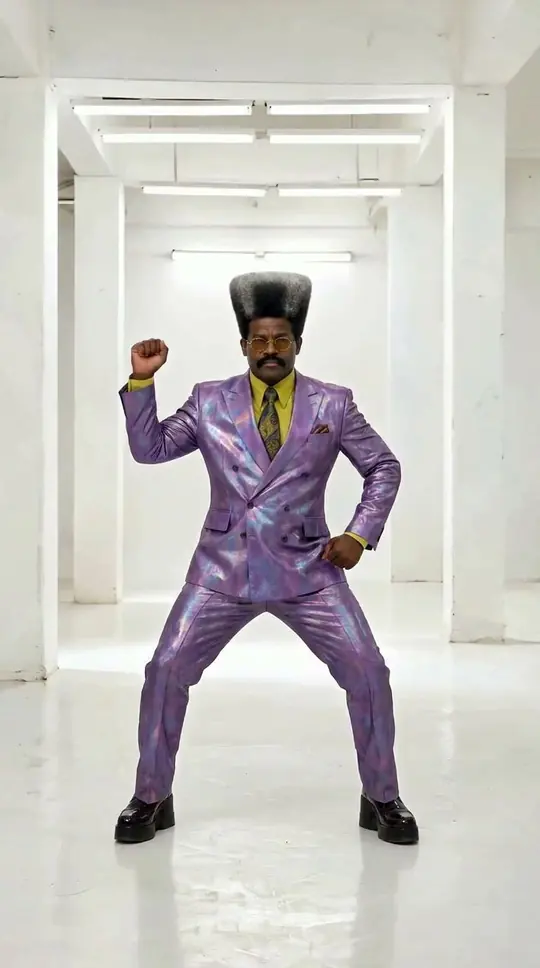
Both routines were generated with Seedance Fast, then performed by original characters with Morphaze.
Your AI influencer does this week’s dance before the trend peaks.
A brand character dancing to a campaign sound.
The most unlikely character doing the slickest routine — the classic format.
Characters dancing to your track for Reels and Shorts.
No clip? Generate a dancer from text with the AI video generator.
The same character, a new dance every day.
Morphaze copies a real clip move for move, so the timing that made it viral survives the swap.
Motion comes from the real clip, so steps land where the music says they should. Ignite keeps the sound.
Design an AI influencer once as a character sheet, then put the same face into Morphaze videos and ads.
Every video model renders 9:16 for TikTok, Reels and Shorts, and 16:9 for YouTube and ads.
No clip yet? Generate a dancer first — these prompts make clean motion sources.
A 4–15 second clip, whole body in frame — filmed or generated.
A saved AI Influencer or one to three images of your character.
The character performs the routine on the original timing.
Dance is the hardest thing to get from a text prompt. A model can produce someone who is clearly dancing, but not that dance — the specific steps of a trend in the right order on the right beat. ClipSpeed solves it by transferring motion: Morphaze takes a real dance clip and has your character perform it, so the choreography is exact by construction.
Use a clip you filmed or have permission to use, 4 to 15 seconds long. The rules for clean results are simple: one dancer, the whole body in frame the entire time, a camera that stays put, no cuts, decent light. If you do not have a clip, generate one. Both routines on this page started as text prompts in the AI video generator — “full-body shot of a dancer…, static camera, whole body always in frame” — and were then handed to Morphaze.
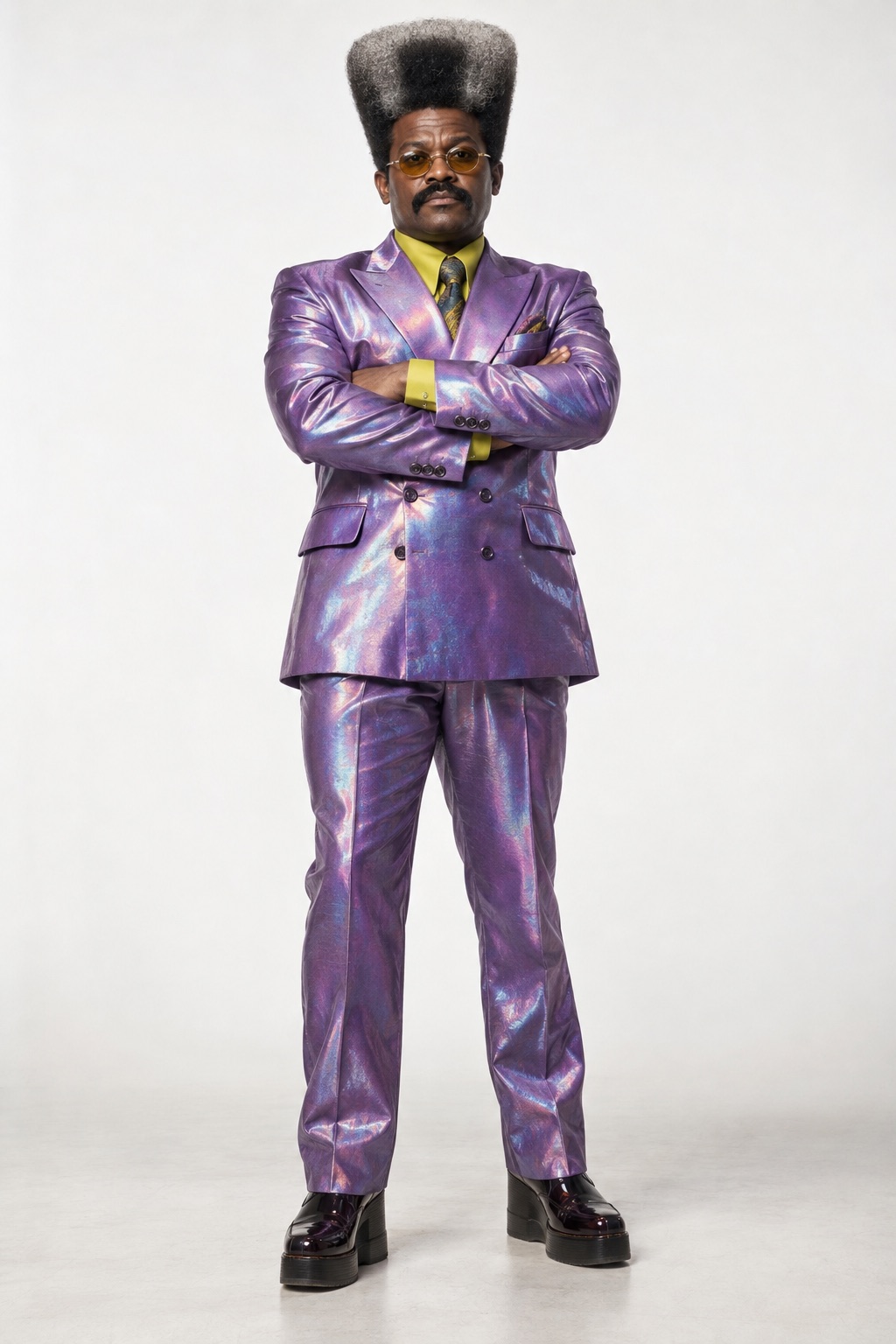
Contrast is the format. The funniest and most shared dance videos put an unlikely character into a slick routine: an accountant in a lilac suit, a mogul with a mullet. Build one in the AI Influencer generator or upload one to three images of a character you own. A full-body image matters most, because dances show the whole body.
Ignite keeps your source video’s size and sound, so a vertical trend clip comes back vertical with its music in place. Impact renders at 720p or 1080p for sharper detail. Post-ready for TikTok, Reels and Shorts.
The accounts that win with AI dance content post a series, not a one-off. Keep the dancer fixed and swap the routine: every time a new sound starts trending, bring a clean full-body clip of the dance, run it through Ignite with the same character, and post while the trend is still climbing. Because the character comes from the same images every time, followers recognise it from the first frame, and the comments start asking what it will dance to next.
Open Morphaze, add a 4–15 second dance clip and a character, choose Ignite or Impact, and generate. The character performs the routine step for step.
You need a clip you have the rights to use. If you do not have one, generate a dancer with the AI video generator first and use that.
Ignite keeps your video’s size and sound. Impact has a “Keep source audio” option.
Any original character or one you have permission to use. Full-body character images give the best results.
Between 4 and 15 seconds per swap.
Everything runs on one monthly credits wallet that you also use for clipping: Starter is $19 for 300 credits, Pro $39 for 600 and Ultra $59 for 1,000. A 10-second dance on Ignite is about 59 credits. The generator shows the credits before you confirm, and credits reset each billing cycle. See pricing for the full table.
New accounts can start with a $1 3-day trial: 30 minutes of clipping on any plan, watermark-free, plus your own AI Influencer. AI Video, AI Images, Morphaze and AI Ads unlock when your plan starts — or skip the trial in the app to unlock them now.
You do. Our Terms say you keep full ownership of anything you upload or generate, and you are responsible for how you use it — including having the rights to any photo or clip you upload. Platforms increasingly ask you to label realistic AI video; our disclosure guide covers YouTube, TikTok and Meta.
 AI Video Generator
 AI Image Generator
 AI Influencer Generator
 Morphaze AI Character Swap
 AI Motion Transfer
 AI Dance Video Generator
 AI Ad Generator
 AI UGC Video Generator
 AI Product Photo Generator
 Image to Video
 Text to Video
 AI Spokesperson Video
 Faceless Video Generator
 AI Storyboard Generator
Plans from $19 a month for 300 credits, shared across every AI model and your clips. Pro is $39 for 600, Ultra $59 for 1,000. Cancel anytime.
 Seedance 2.5
 Nano Banana Pro
 Veo 3.1
 AI Clip Maker