White-background packshots
Clean e-commerce images for listings and marketplaces.
Upload a quick phone photo of your product and get studio shots, lifestyle scenes and ad-ready hero images — label, colour and shape kept exactly as they are.
A fictional ClipSpeed product line, photographed by Nano Banana Pro and animated by Seedance.
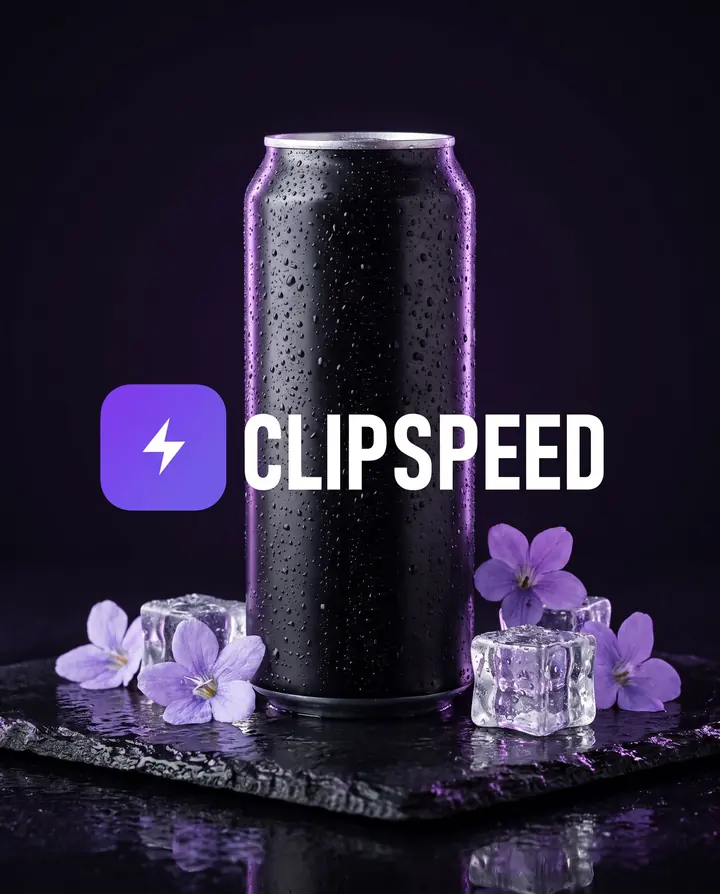
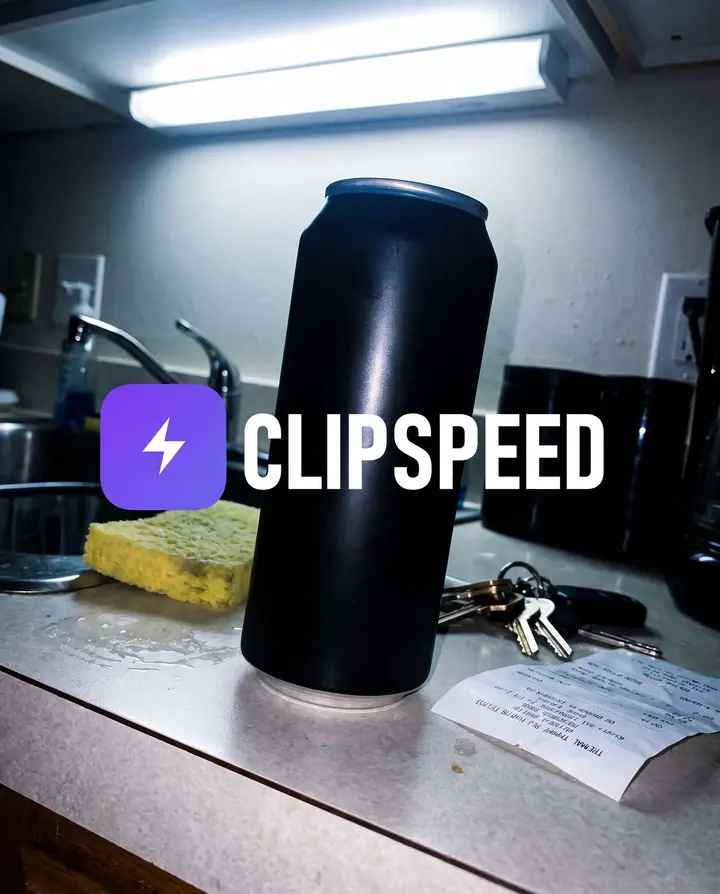 Your photoGenerated
Left: a cluttered kitchen-counter photo. Right: Nano Banana Pro with that photo as the reference — same can, same logo, new scene.
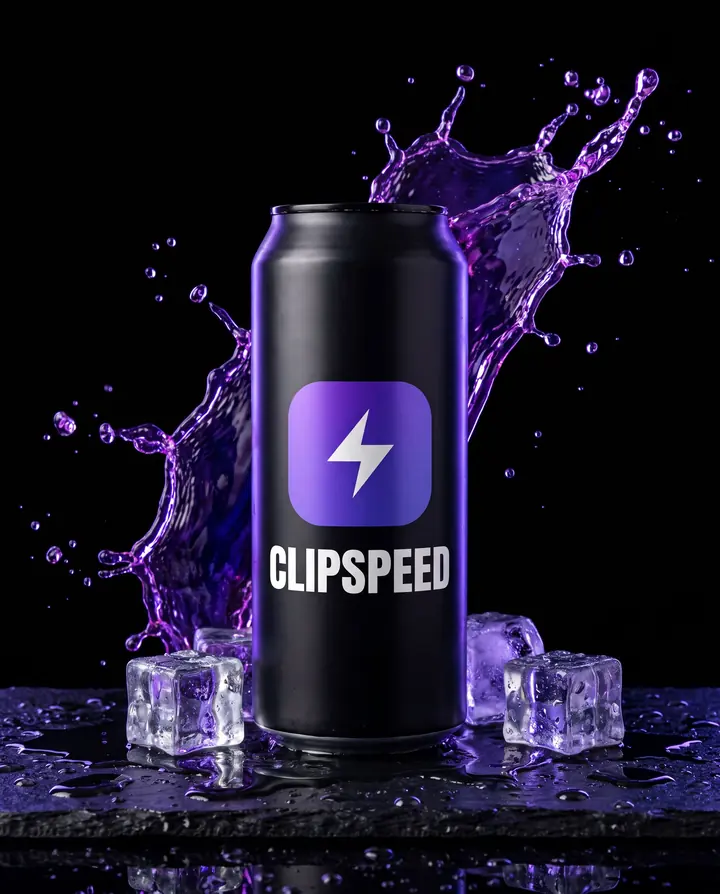 Nano Banana Pro
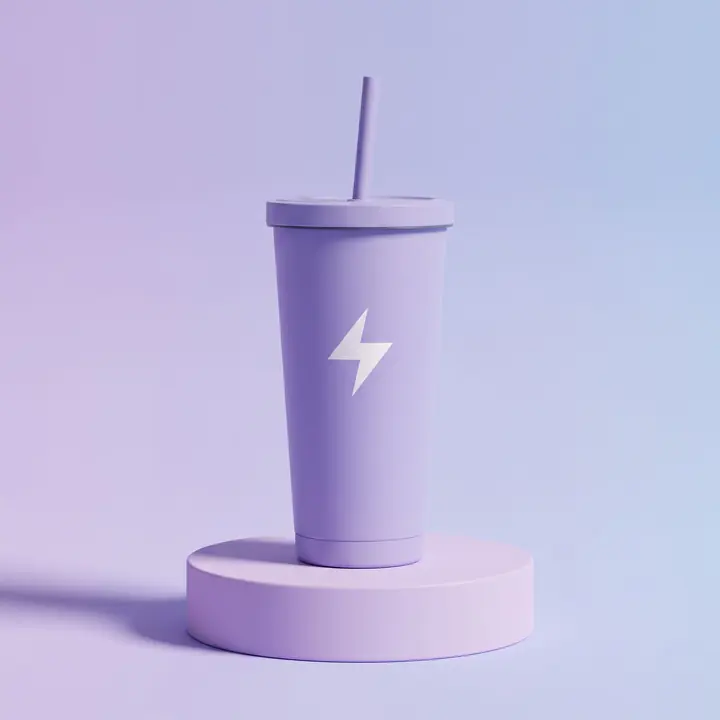 Nano Banana ProNano Banana Pro · reference edit
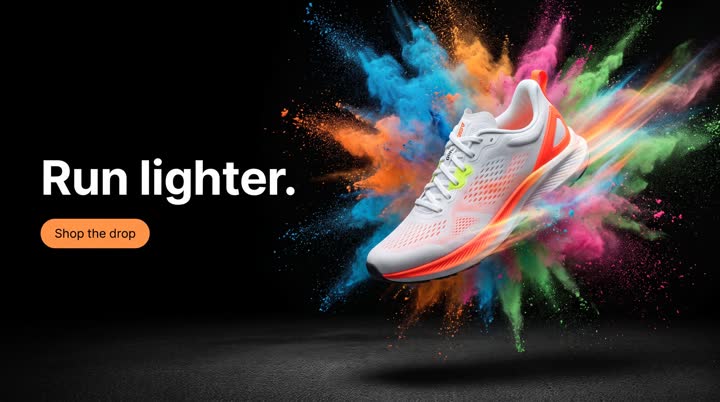 Nano Banana Pro
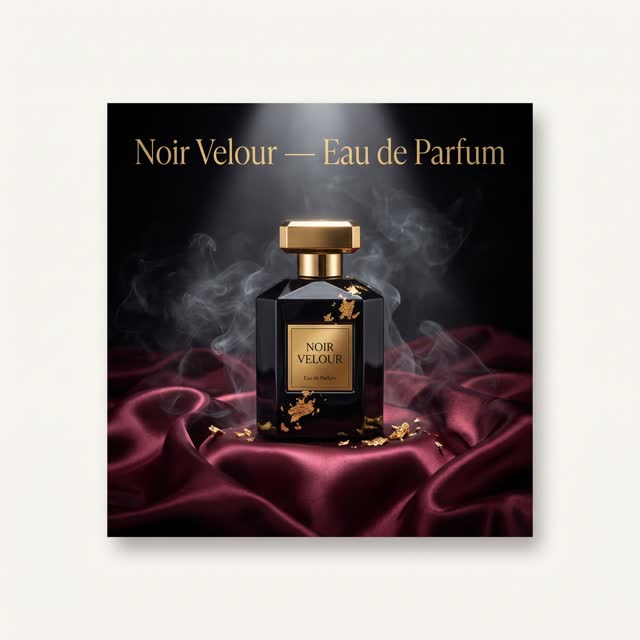 Nano Banana Pro
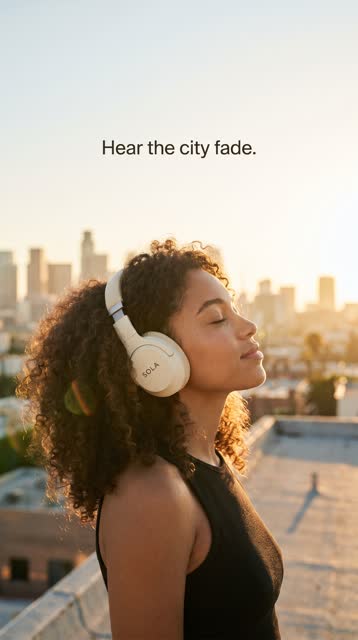 Nano Banana Pro
Clean e-commerce images for listings and marketplaces.
Dramatic light, splashes and reflections for launch pages.
Your product on a kitchen counter, a desk, a beach towel.
The same product dressed for summer, Black Friday or the holidays.
Product, headline and price sticker in one image.
Use the image as a start frame and generate a slow orbit or a reveal.
Up to four reference photos on Nano Banana Pro and GPT Image 2 keep labels, colours and shapes true.
Nano Banana Pro renders 1K, 2K or 4K in ten aspect ratios.
Any product image can be the start frame of a video on every video model.
Every generation shows its credit cost for the model, length and quality you picked before you confirm it.
Tap one to drop it into the generator above, then make it yours.
A clear phone photo is enough. Add up to four angles.
Say “keep the product unchanged”, then the surface, the light and the backdrop.
Use it as is, or as the first frame of a product video.
Ask a model for “a black energy drink can with a purple logo” and you get a can — a different one every time. Give it a photo of your can and you get yours. That is the whole trick of AI product photography: references in, product preserved. Nano Banana Pro and GPT Image 2 each accept up to four reference images, so you can show the front, the back and a close-up of the label.
Start every product prompt with “keep the product, logo and lettering unchanged”. Then describe only what should change: the surface, the props, the light, the background, the camera angle. The before-and-after on this page used a cluttered, flash-lit kitchen-counter snapshot as the only reference; the result kept the can and its lettering and replaced everything around it.
What makes a product photo look expensive is mostly lighting. Name it: “soft window light from the left”, “hard top light with a long shadow”, “violet rim light”, “golden hour backlight”. Add one texture the eye can feel — wet slate, linen, travertine, brushed metal — and one or two props at most. Clutter reads as cheap.
Nano Banana Pro renders 1K, 2K or 4K, in ratios from 1:1 listings to 4:5 feed ads, 9:16 stories and 21:9 banners. When a still is right, it is also the perfect start frame for image-to-video: a slow orbit, condensation running down, a splash bursting into motion. That is how the product clips on this page were made.
Use photos of products you own or sell, and check marketplace rules on generated imagery before you list.
Store listings and ads look professional when the photos match each other. Once a scene works, keep its wording and only change the product or the angle, so the light, surface and colour grade carry across the whole range — one prompt, one look, every SKU.
Attach your product photo as a reference (up to four on Nano Banana Pro or GPT Image 2) and say “keep the product, logo and lettering unchanged”. It keeps the product far more faithfully than a text description.
A sharp, well-lit phone photo of the product, ideally front-on. Extra angles help with labels that wrap around.
Nano Banana Pro for photoreal scenes and up to 4K. GPT Image 2 for layouts with headlines and stickers.
Yes. Ask for a pure white background with a soft contact shadow. Check your marketplace’s rules on generated imagery.
Yes. Use the image as the start frame on any video model. See image to video.
Everything runs on one monthly credits wallet that you also use for clipping: Starter is $19 for 300 credits, Pro $39 for 600 and Ultra $59 for 1,000. A Nano Banana Pro product photo is 6 credits at 1K or 2K and 11 at 4K. The generator shows the credits before you confirm, and credits reset each billing cycle. See pricing for the full table.
New accounts can start with a $1 3-day trial: 30 minutes of clipping on any plan, watermark-free, plus your own AI Influencer. AI Video, AI Images, Morphaze and AI Ads unlock when your plan starts — or skip the trial in the app to unlock them now.
You do. Our Terms say you keep full ownership of anything you upload or generate, and you are responsible for how you use it — including having the rights to any photo or clip you upload. Platforms increasingly ask you to label realistic AI video; our disclosure guide covers YouTube, TikTok and Meta.
 AI Video Generator
 AI Image Generator
 AI Influencer Generator
 Morphaze AI Character Swap
 AI Motion Transfer
 AI Dance Video Generator
 AI Ad Generator
 AI UGC Video Generator
 AI Product Photo Generator
 Image to Video
 Text to Video
 AI Spokesperson Video
 Faceless Video Generator
 AI Storyboard Generator
Plans from $19 a month for 300 credits, shared across every AI model and your clips. Pro is $39 for 600, Ultra $59 for 1,000. Cancel anytime.
 Seedance 2.5
 Nano Banana Pro
 Kling 3.0
 Veo 3.1
 AI Clip Maker