Car selfie review
The most trusted format on TikTok: a creator in a parked car, talking straight to the lens.
The selfie-in-the-car, kitchen-counter, between-sets format that sells — generated. Invented creators, your product, phone-camera realism, in 9:16.
Invented creators and a fictional ClipSpeed product line. Stills by Nano Banana Pro, motion by Seedance.
The most trusted format on TikTok: a creator in a parked car, talking straight to the lens.
Pour, open, taste, react — the product in use, in natural light.
Supplements, drinks and gear in the place they are actually used.
The package, the reveal, the face — in one handheld take.
Merch and apparel shown off on a city street at golden hour or blue hour.
A frustrated beat, then the product, then relief.
Prompts and models tuned for handheld sway, front-camera framing and natural light, not glossy commercials.
Add a reference image as the first frame on any video model, or up to four reference photos on Nano Banana Pro and GPT Image 2.
Every generation shows its credit cost for the model, length and quality you picked before you confirm it.
The same account clips your long videos and streams, so AI shots, hooks and highlights live side by side.
Tap one to drop it into the generator above, then make it yours.
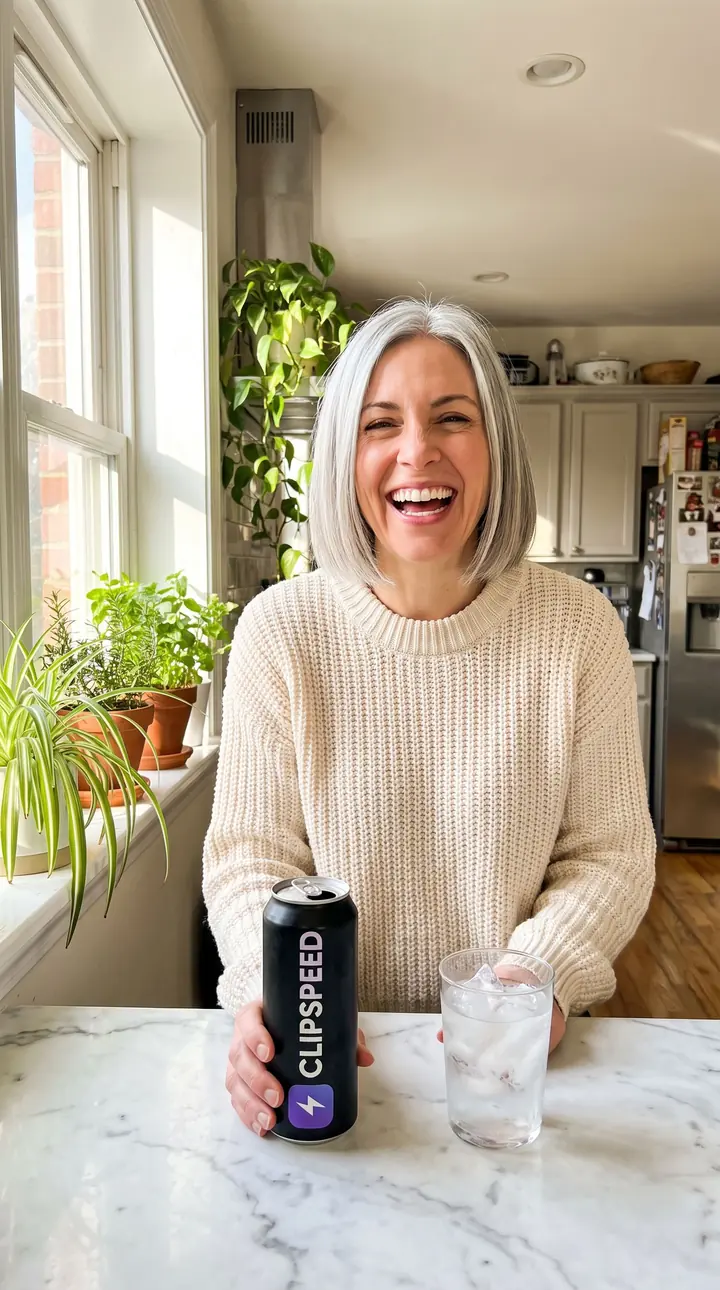
Generate an invented creator holding your product with Nano Banana Pro — attach your product photo.
Use “+ Add reference” on any video model and describe the action.
A handheld clip that looks like a creator filmed it.
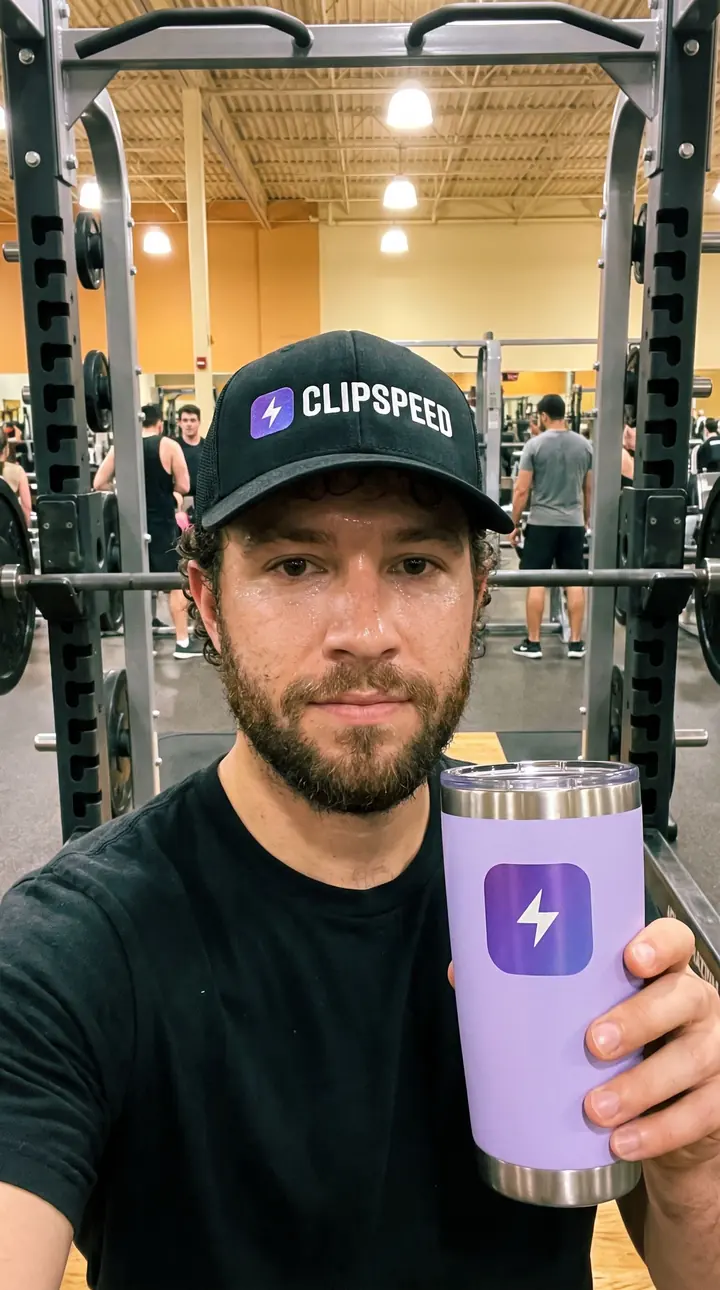
User-generated content outperforms polished ads on TikTok and Reels because it looks like the feed. A front-camera selfie, a handheld wobble, a real kitchen, a person mid-sentence — the viewer’s brain files it as a recommendation, not an interruption. What makes it work is the format, and the format can be generated.
The most reliable way to get UGC that shows your actual product is to separate the still from the motion. First, in the AI image generator, create the opening frame with Nano Banana Pro: an invented creator in the setting you want, holding your product — attach your product photo as a reference so the label stays exact. Second, add that still as the start frame on a video model and describe only what happens next: “lifts the can toward the lens, laughs, keeps talking”. Every clip on this page was made exactly this way, for a fictional ClipSpeed drink, cap, tumbler and hoodie.
Write like a phone, not a film crew. Specify “phone selfie”, “front camera at arm’s length”, “handheld sway”, “natural daylight”. Give the person one clear action and an expression mid-sentence. Avoid “cinematic”, “4K” and “studio lighting” — they push the model back toward commercial gloss. Seedance Fast is the best value for this format; Seedance 2.5 handles longer takes; Kling 3.0 and Veo 3.1 can add sound.
Use invented people, never real creators or celebrities. Do not present a generated person as a real customer or put words in a real person’s mouth. Many platforms require AI labels on realistic synthetic people — our disclosure guide covers the rules. Done this way, AI UGC is a fast, cheap way to test which angle deserves a real creator budget.
A video in the style of user-generated content — a phone selfie, handheld, natural light — made with AI instead of filmed by a creator.
Yes. Generate the opening still with Nano Banana Pro and your product photo as a reference, then use that still as the start frame of a video.
No. The creators are invented by the model. Do not prompt for real people or celebrities, and do not present generated people as real customers.
Seedance Fast is the best value for short selfie clips. Seedance 2.5 handles longer takes up to 30 seconds. Kling 3.0 and Veo 3.1 can render sound.
Kling 3.0 and Veo 3.1 can render audio with the video. For a presenter who reads your exact script, use AI Presenter.
Everything runs on one monthly credits wallet that you also use for clipping: Starter is $19 for 300 credits, Pro $39 for 600 and Ultra $59 for 1,000. A 5-second Seedance Fast clip at 720p is about 5 credits; a Nano Banana Pro still is 6. The generator shows the credits before you confirm, and credits reset each billing cycle. See pricing for the full table.
New accounts can start with a $1 3-day trial: 30 minutes of clipping on any plan, watermark-free, plus your own AI Influencer. AI Video, AI Images, Morphaze and AI Ads unlock when your plan starts — or skip the trial in the app to unlock them now.
You do. Our Terms say you keep full ownership of anything you upload or generate, and you are responsible for how you use it — including having the rights to any photo or clip you upload. Platforms increasingly ask you to label realistic AI video; our disclosure guide covers YouTube, TikTok and Meta.
 AI Video Generator
 AI Image Generator
 AI Influencer Generator
 Morphaze AI Character Swap
 AI Motion Transfer
 AI Dance Video Generator
 AI Ad Generator
 AI UGC Video Generator
 AI Product Photo Generator
 Image to Video
 Text to Video
 AI Spokesperson Video
 Faceless Video Generator
 AI Storyboard Generator
Plans from $19 a month for 300 credits, shared across every AI model and your clips. Pro is $39 for 600, Ultra $59 for 1,000. Cancel anytime.
 Seedance 2.5
 Nano Banana Pro
 Kling 3.0
 Veo 3.1
 AI Clip Maker