Nano Banana Pro Guide: Prompts, Text Rendering, Editing and Prices
 ClipSpeedAI
◷ 13 min read
Updated
ClipSpeedAI
◷ 13 min read
Updated
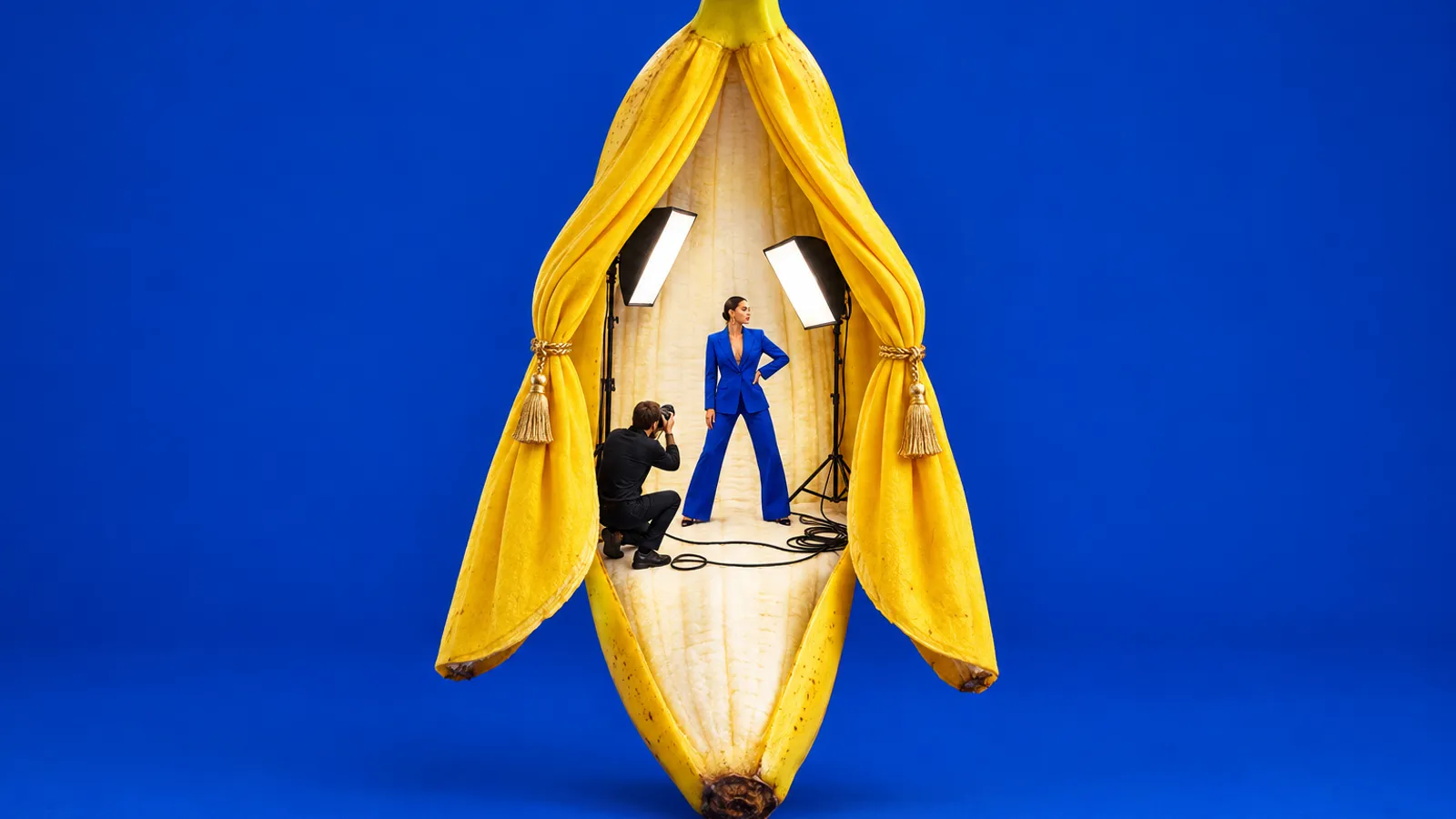
Nano Banana Pro is Google's premium image generation and editing model, sold to developers as Gemini 3 Pro Image (gemini-3-pro-image). It costs $0.134 per 1K or 2K image and $0.24 per 4K image on the Gemini API, takes up to 14 reference images, and is Google's pick for complex, text-heavy and brand-critical work. For drafts and volume, Google now recommends Nano Banana 2.1, released October 6, 2026, at about a quarter of the price per 1K image.
This guide covers the versions, what one image costs on each host, the settings that matter, prompt recipes for thumbnails, product shots and video start frames, and where the model falls short. Specs and prices were checked on Google's and each host's own pages on October 8, 2026.
What is Nano Banana Pro, and how is it different from Nano Banana 2 and 2.1?
Nano Banana is Google's family name for the image models in Gemini, and the names don't sort by quality. Pro is older than Nano Banana 2 and 2.1, yet Google's image generation docs still call it "the premium choice for the most complex visual tasks".
Dates matter, because early-2026 articles describe a lineup that has since changed. Pro arrived as a preview on November 20, 2025 and Nano Banana 2 on February 26, 2026; both became generally available on May 28, 2026, and the preview IDs shut down on June 25. On October 6, Google released Nano Banana 2.1 and deprecated Nano Banana 2, with no shutdown date announced for either Pro or Nano Banana 2.
| Model | API model ID | Status | Sizes | Reference images | API price, 1K |
|---|---|---|---|---|---|
| Nano Banana Pro (Gemini 3 Pro Image) | gemini-3-pro-image | Generally available | 1K, 2K, 4K | 6 objects, 5 characters, 3 style | $0.134 (same at 2K) |
| Nano Banana 2.1 | gemini-nano-banana-2.1 | Generally available; Google's pick for new projects | 1K to 4K, plus 1:4, 4:1, 1:8 and 8:1 | 10 objects, 4 characters | $0.0336 |
| Nano Banana 2 (Gemini 3.1 Flash Image) | gemini-3.1-flash-image | Deprecated | 512px to 4K | 10 objects, 4 characters | $0.067 |
| Nano Banana 2 Lite | gemini-3.1-flash-lite-image | Generally available | 1K only | 14 objects | $0.0336 |
From Google's Gemini API image generation, pricing, changelog and deprecations pages, checked October 8, 2026. Standard tier, USD. None of these models has a free API tier.
Pro is the only one that takes style references, and it keeps up to five characters consistent. It lacks what the Flash models add: video input, Google Image Search grounding, panoramic ratios and, on Nano Banana 2, 512px drafts. Its thinking step can't be switched off in the API; it may render up to two interim images first, and Google doesn't charge for them.
Where can you use Nano Banana Pro, and what does one image cost?
Google's pay-per-image channels set the baseline. Resellers charge a little more per image, or bundle it into credits that work out cheaper only if you spend them all.
| Where | How you pay | Nano Banana Pro price | Worth knowing |
|---|---|---|---|
| Gemini app | A Google AI plan (AI Pro is $19.99 a month in the US) | Within plan limits | Make the image with Nano Banana 2, then More, Redo with Pro; paid plans only |
| Gemini API and AI Studio | Per image | $0.134 at 1K or 2K, $0.24 at 4K | Batch: $0.067 and $0.12 |
| Replicate | Per image | $0.15, or $0.30 at 4K | Optional capacity fallback bills a different model, at $0.035 |
| fal | Per image | $0.15, 4K at double | Adds $0.015 when web search runs |
| Higgsfield | Starter $19 for 270 credits, Plus $59 for 1,200, Ultra $129 for 3,000 | 2 credits, 4 at 4K: about 14, 10 or 9 cents | Unlimited windows are web-only, not through its MCP |
Monthly list prices in USD, without promotions, checked October 8, 2026. Higgsfield cents use its own image counts per plan.
The listed price is per attempt, not per keeper: a thumbnail that takes four tries on Pro costs about $0.54 on the API. Draft on Nano Banana 2.1 at 1K until composition and text placement work, run the final once on Pro, and send bulk sets that can wait through the Batch API at half price. Our AI image generators guide compares Pro with OpenAI's GPT Image models on the same jobs.
Thumbnail done? Now cut the video it sells.
ClipSpeedAI turns your long videos and live streams into vertical clips with burned-in captions and a viral score for each one.
Try ClipSpeedAI →Which settings matter: aspect ratio, resolution and references?
Pro supports ten aspect ratios: 1:1, 2:3, 3:2, 3:4, 4:3, 4:5, 5:4, 9:16, 16:9 and 21:9. Without one, it matches your input image or returns a square, so set it every time.
| Aspect ratio | 1K | 2K | 4K | Creator use |
|---|---|---|---|---|
| 9:16 | 768×1376 | 1536×2752 | 3072×5504 | Shorts covers, vertical start frames |
| 16:9 | 1376×768 | 2752×1536 | 5504×3072 | YouTube thumbnails, landscape start frames |
YouTube recommends 3840×2160 thumbnails for videos and 2160×3840 for Shorts, with a 640-pixel minimum. On Pro, only 4K meets that size without upscaling, but 2K clears the minimum easily at the same price as 1K. Start frames run the other way: 1K at 9:16 already exceeds a 720p vertical frame, so higher settings buy detail the video model mostly discards. Our Shorts thumbnail guide asks whether a custom cover is worth making at all.
Reference images
Pro takes up to 14 references: six object images, five character images and three style images. Google's prompting guide gives the order as the references, then how they relate, then the new scene. Give each file a role ("image 1 is the product, image 2 is the presenter") rather than attaching a pile and hoping.
How do you write a Nano Banana Pro prompt?
Google's guide comes down to a few rules. Start with a strong verb that names the job. Describe the scene in sentences, not a keyword list. Use camera language. Say what you want rather than what you don't: "an empty street" beats "no cars". Each recipe below also runs on Nano Banana 2.1 for drafts.
YouTube thumbnail with a headline (16:9)
Reserve the text area in the composition first, or the words land on the face.
Create a 16:9 YouTube thumbnail, photoreal.
Subject: a woman in her 30s with a short silver bob and a mustard cardigan, holding a cracked,
over-risen sourdough loaf toward the camera with both hands; eyebrows raised, mouth slightly open.
Location: a small home kitchen, flour on a butcher-block counter, background soft and dim.
Composition: she fills the right half, face large and sharp; the left 40 percent is a clean,
dark kitchen wall reserved for text.
Text: exactly "30 DAYS OF STARTER" on two lines, heavy condensed white sans-serif, all caps,
thin black outline, left-aligned in the empty area.
Lighting: warm window light from the right, deep shadow on the left of the frame.
Style: shallow depth of field, 50mm look, saturated warm colour. No other text, no logos.
Shorts cover (9:16)
Keep the top and bottom plain so app overlays never cover the subject; our Shorts size guide maps the safe zones.
Create a 9:16 vertical cover image for a YouTube Short.
Subject: close-up of two greasy hands threading a bicycle chain back onto a rear cog.
Location: a sunlit apartment balcony, a teal road bike flipped upside down on its saddle.
Composition: hands and cog in the middle third; keep the top fifth plain sky for the title
and the bottom fifth plain floor tiles.
Text: exactly "CHAIN OFF? 10-SECOND FIX" centred in the top fifth, bold rounded yellow
sans-serif with a dark drop shadow.
Lighting: late-afternoon sun from behind, rim light on the knuckles.
Style: crisp macro detail, punchy colour. No logos on the bike, no extra text.
Product shot from a reference photo
Say what the reference controls before you describe the new scene.
Image 1 is the product: a matte terracotta water bottle with a bamboo cap and an embossed leaf
on the shoulder. Keep its shape, colour, cap, proportions and the embossed leaf exactly as in
image 1. Add no label and no text.

Create a 4:5 product photograph of that bottle standing on a wet black basalt rock at the edge
of a mountain stream at dawn. Cold water rushes past and throws a few droplets onto the bottle.
Background: pine forest fading into blue morning haze, softly out of focus. Camera at bottle
height, 100mm macro look, focus on the embossed leaf. Low golden sun from the left, cool
skylight fill from the right. Photoreal, true-to-life colour.
Edit without collateral damage
List what stays, or the model "improves" faces and signs you never mentioned.
Edit this photo.
Change only: replace the flat grey sky with a late-afternoon sky with scattered orange and pink
clouds, and warm the light on the brick shopfronts to match.
Keep exactly as they are: every person, their faces, clothes and poses; the shop sign lettering;
the bicycles; the camera angle, framing and crop.
Do not add people, birds, signs or text.
How do you get readable text in Nano Banana Pro images?
Text is the main reason to pay for Pro. Google's launch post calls it the best model for correctly rendered and legible text, and when a word comes out wrong, a more specific prompt fixes it more often than another roll.
Vague:
thumbnail of a guy excited about cheap travel in tokyo with text about budget tipsSpecific:
Create a 16:9 thumbnail. A man in his 20s with curly black hair and a green rain jacket grins
at the camera on a neon-lit Tokyo side street at night, holding a convenience-store rice ball.
Text: exactly "TOKYO ON $40 A DAY" on three lines in the left third. Line 1 "TOKYO": huge, white,
extra-bold condensed sans-serif. Line 2 "ON $40": yellow, same font. Line 3 "A DAY": white,
smaller. Thin black outline on all letters.
Keep the left third dark and uncluttered behind the text. No other text, no logos.- Put the exact words in quotes, and keep them to a headline.
- Describe the type: weight, width, case, colour and outline.
- State the position and the number of lines.
- Settle the wording first. Google's guide says Gemini image models do best when you agree the text in conversation, then ask for the image.
- For another market, write the prompt in one language and ask for the text in the target language. Google lists 15 languages for best results.
- Proofread at full size. Replicate's model notes warn of occasional grammar and spelling slips.
How do you edit images and keep a character consistent?
Google calls multi-turn conversation the recommended way to iterate on images: refine one image across several messages instead of starting over. In the API you pass the previous interaction's ID; in the Gemini app, editing images isn't available to users under 18.
- Edit the strongest version, not the latest one. Each edit carries forward the last one's drift.
- Change one thing per turn. When something breaks, you know which instruction broke it.
- Name what stays: face, pose, text and framing.
- Lock identity with references. Attach clear photos of each person, up to five on Pro, plus one detail in words, such as a silver ear cuff.
- Re-anchor when the face drifts. Re-attach the original reference instead of editing an edit of an edit.
For a recurring character across a series, including reference sheets and consent for real people, see keeping AI characters consistent across shots.
How do you use a Nano Banana still as a video start frame?
Image-to-video models animate what you give them, so the still fixes face, wardrobe, light and framing for the whole clip. Google's guide suggests exactly this pairing: keyframes from Nano Banana, motion from Veo. Generate at the video's aspect ratio, pose the subject at the start of the movement, and leave room for the camera move.
Start-frame prompt:
SCENE: Start frame for a 6-second vertical video, 9:16, one continuous take. This still is the
first frame; motion is added later.
SUBJECT: A street-food cook in his 40s, round face, short grey beard, white T-shirt under a navy
apron, red bandana tied over his hair.
LOCATION: His stall at a crowded night market, a blackened wok on a gas burner in front of him,
string lights and paper lanterns behind.
CAMERA: Eye level, medium close-up from the chest up, wok at the bottom of frame, with room
above his head for a slow push-in later.
OPTICS: 35mm lens look, focus on his eyes and the wok rim, lanterns as round bokeh.
ACTION: Neutral starting pose: both hands on the wok handle, eyes on the wok, mouth closed.
PHYSICS: A thin column of steam rising straight up, oil sheen on the rice, nothing floating.
LIGHTING: Warm tungsten bulbs above left as the key, cool blue market light on the right.
STYLE: Photoreal, natural skin texture, light film grain. No text, no logos, no watermark.
Then write the video prompt about motion only; re-describing the picture invites the model to redraw it. Our image-to-video workflow covers start and end frames, and the Seedance 2.5 guide covers animating a start frame with reference images.
Where does Nano Banana Pro fall short?
It costs four times the Nano Banana 2.1 rate at 1K and has no free API tier, no 512px drafts, no panoramic ratios and no video input. Google notes the model won't always return the number of images you ask for. Replicate warns that masked edits, big lighting changes and many-image blends can leave artifacts, and that character consistency is reliable but not perfect. Search-grounded infographics still need a fact check.
Every image carries Google's invisible SynthID watermark. At launch Google said Gemini app images from free and AI Pro users also keep a visible sparkle, removed for Ultra subscribers and in AI Studio. The app's usage limits are compute-based and refresh every five hours up to a weekly cap, and app downloads are 2K with a Google AI plan or 1K without.
Where does ClipSpeed fit?
Nano Banana Pro is one of three image models in ClipSpeed's AI Creator lineup, alongside GPT Image 2.5 Flare and GPT Image 2.5 Sunburst. The same workspace brings together five video models (Seedance 2.5, Kling 3.0 Turbo, MiniMax H3 Max, Veo 3.1 and Gemini Omni 1.1 Flash), so a start frame and the clip made from it can sit side by side. From Claude or ChatGPT, the early-access ClipSpeed Create connector quotes each generation and runs it only after the account owner approves on a signed-in ClipSpeed page.
The other half of ClipSpeed is AI clipping: paste a long video or a live stream and it finds the strongest moments, cuts them to vertical 9:16 or 16:9, burns in the spoken words as captions and scores each clip. A thumbnail made with the recipes above is the cover; the clip is what keeps people watching.
Which Nano Banana model should you use?
- A thumbnail with a headline, or an infographic: Pro at 2K, and 4K only for YouTube's recommended size.
- One ad in five languages: Pro, for localization.
- Ten meme or reaction variants: Nano Banana 2.1 at 1K.
- A thumbnail pulled from your own video file: Nano Banana 2.1, which accepts video input.
- Hundreds of product backgrounds: Nano Banana 2 Lite, or Pro through the Batch API when fidelity matters.
- A 4:1 banner: Nano Banana 2.1.
- A start frame for a 720p clip: Nano Banana 2.1 at 1K for drafts, Pro when it must match references.
Before you generate
- Aspect ratio set for where the image will live.
- Exact text quoted, type described, position stated.
- Each reference labelled with its role; five people at most on Pro.
- Edit prompts list what stays.
- Text proofread and infographic facts checked.
- Platform labelling rules checked if the still becomes realistic video; see our AI video disclosure guide.
Covers and start frames are half the job. For the long videos and streams you already have, try ClipSpeedAI's clipping and get captioned vertical clips to put them on.
Sources and method
Specs, prices and dates come from Google's own documentation, pricing, changelog and launch pages and from each host's pricing page, all checked on October 8, 2026. Prices are list prices in USD without promotions. We ran no benchmarks: quality guidance follows Google's documented positioning and prompting advice, and every prompt here is our own.
- Google: image generation docs, pricing, changelog, deprecations, Nano Banana Pro launch, prompting guide
- Gemini app: image help, limits, Google AI plans. YouTube: thumbnails
- Hosts: Replicate, fal, Higgsfield
Got any questions left?
Is Nano Banana Pro free?
Not on the API, where no Nano Banana model has a free tier and Pro costs $0.134 per 1K or 2K image. In the Gemini app, Redo with Pro is for paid Google AI subscribers; free users get Nano Banana 2 within usage limits.
What is the difference between Nano Banana Pro and Nano Banana 2?
Pro is Google's premium model for complex, text-heavy and brand-critical images, with style references and up to five consistent characters. Nano Banana 2 is faster and cheaper; on the API, Google deprecated it on October 6, 2026 and recommends Nano Banana 2.1 for new projects.
Is Nano Banana Pro the same as Gemini 3 Pro Image?
Yes. gemini-3-pro-image is its API model ID. The old gemini-3-pro-image-preview ID shut down on June 25, 2026, so update code that still calls it.
Can Nano Banana Pro make 4K images?
Yes, for $0.24 an image on the Gemini API; at 16:9 that is 5504×3072 pixels. The Gemini app is not the place for it: Google lists app downloads at 2K with a Google AI plan and 1K without.
How many reference images can Nano Banana Pro use?
Up to 14: six object images, five character images and three style images. Label each one's role in the prompt, such as "image 1 is the product".
Do Nano Banana Pro images have a watermark?
Every image carries Google's invisible SynthID watermark. At launch, Google said Gemini app images from free and AI Pro users also keep a visible sparkle, removed for Ultra subscribers and in Google AI Studio.
Related guides
Published by ClipSpeedAI · AI video generation and AI clipping in one place — create with Seedance, Veo, Kling and Nano Banana, then cut it into captioned shorts.