Studio hero shots
Push-ins, orbits and splashes for product pages and launch posts.
Start from a photo of your product or a prompt, and get product videos for your shop and your ads: studio push-ins, orbits, splashes and creator-style clips with the product in hand.
A fictional ClipSpeed product line, filmed by Seedance Fast. Tap “Use prompt” for the exact prompt.
Push-ins, orbits and splashes for product pages and launch posts.
A creator holding your product and talking to the camera.
Short loops for TikTok Shop, Amazon and your own store.
The first three seconds of a paid ad, made in several versions.
Your existing product photos turned into moving shots.
The same product in summer, holiday and sale scenes.
Start from your own photo as the first frame, so the label and shape stay true.
Every video model renders 9:16 for Reels, TikTok and Shorts, and 16:9 for ads and listings.
The same account clips your long videos and streams, so AI shots, hooks and highlights live side by side.
Every generation shows its credit cost for the model, length and quality you picked before you confirm it.
Tap one to drop it into the generator above, then make it yours.
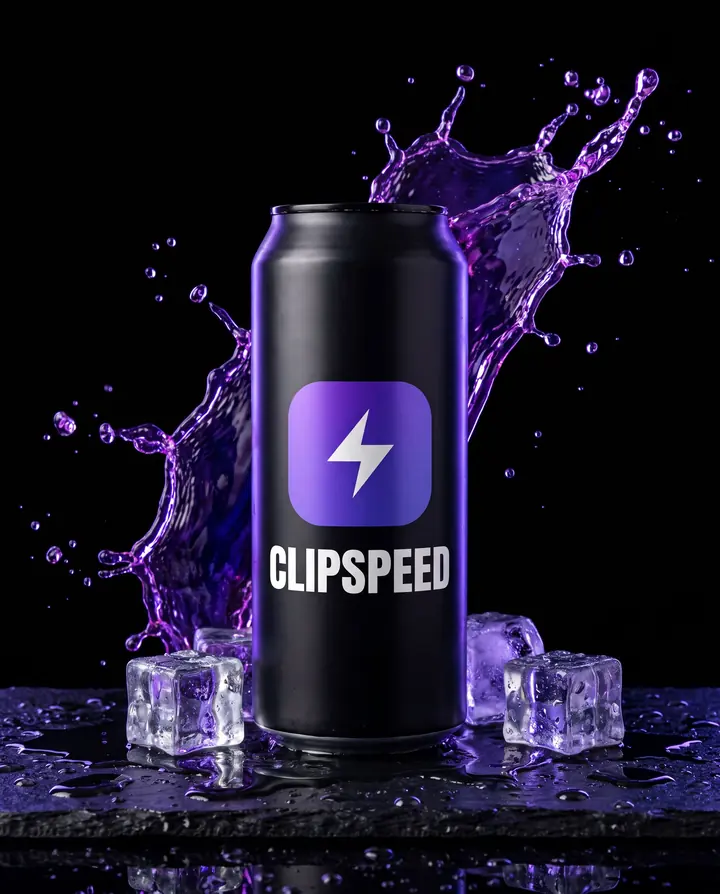
A clear photo becomes the first frame. Or start from a prompt.
Push-in, orbit, splash or a person picking it up. One idea per clip.
Pick length and size; credits are shown before you confirm.
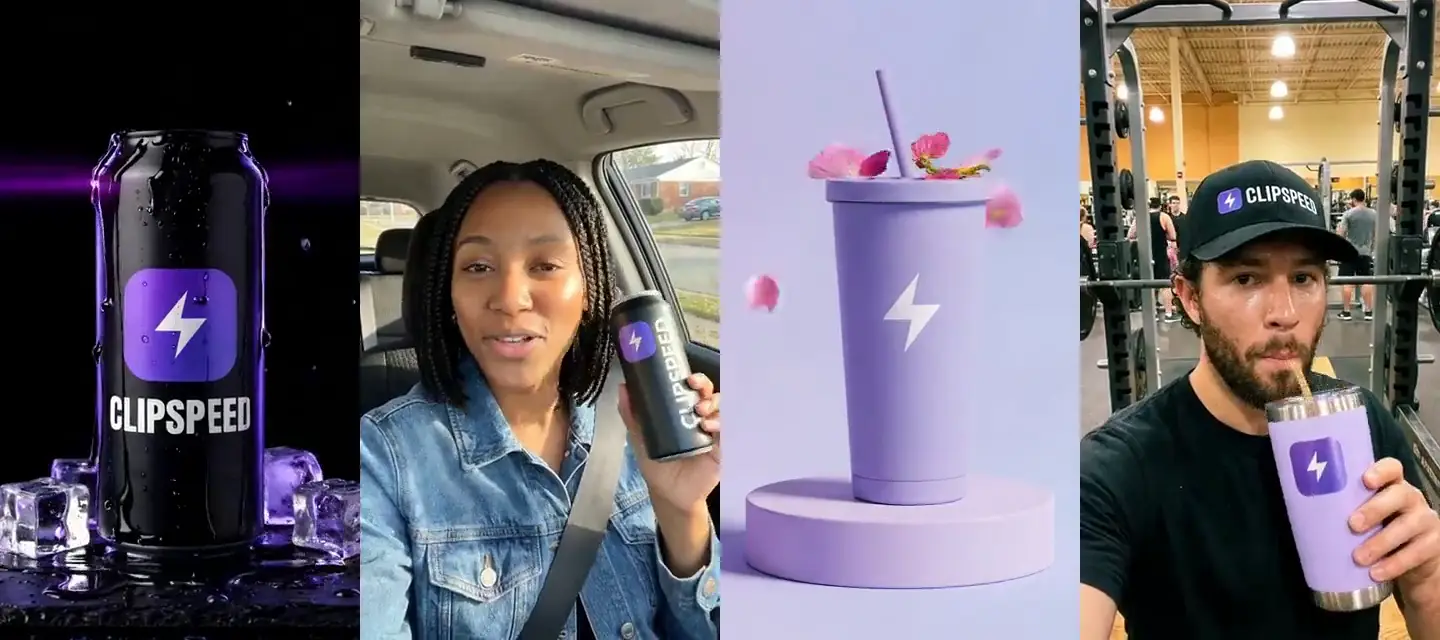
Most product videos are one of two things. The studio shot shows the product alone: a slow push-in, an orbit, a splash, perfect light. The creator clip shows a person using it: a selfie in the car, a sip at the gym, a pour in the kitchen. Shops use the first on product pages; ads and TikTok lean on the second because it looks like a real post. This page has both, all made with Seedance Fast.
Add your product photo through “+ Add reference” and it becomes the first frame, so the video opens on your actual product. Describe only the movement: “the camera slowly orbits the tumbler”, “condensation runs down the can”. If you only have a phone snapshot, first make a clean studio still with our AI product photo generator, then animate that.
Product clips work best short and simple: one camera move or one action, 5 to 10 seconds. Several short clips cut together beat one long clip that tries to do everything. For one continuous longer take, up to 30 seconds, use Seedance 2.5.
For a UGC-style clip, describe the person, the place and what they do with the product: “phone selfie in a parked car, she lifts the can into frame and talks to the camera mid-sentence”. Keep the product label facing the camera in your reference image. For a presenter reading a script, see our AI spokesperson video; for full ad concepts, our AI ad generator.
Make 9:16 for Reels, TikTok and Shorts and 16:9 for listings and YouTube. A 10-second Seedance Fast clip is about 9 credits at 720p, so you can make several versions of a shot and keep the best one.
Yes. Add your product photo as the first frame and describe the movement. The video opens on your real product.
Studio shots such as push-ins, orbits and splashes, and creator-style clips with a person holding or using the product.
2 to 12 seconds on Seedance Fast, up to 30 seconds in one take on Seedance 2.5.
9:16 for Reels, TikTok and Shorts, and 16:9 for listings, ads and YouTube.
Kling 3.0 and Veo 3.1 can generate sound with the video. Seedance clips are silent, ready for your own music or voiceover.
Everything runs on one monthly credits wallet that you also use for clipping: Starter is $19 for 300 credits, Pro $39 for 600 and Ultra $99 for 1,500. A 10-second Seedance Fast product clip is about 9 credits at 720p. The generator shows the credits before you confirm, and credits reset each billing cycle. See pricing for the full table.
New accounts can start with a $1 3-day trial: 30 minutes of clipping on any plan, watermark-free, plus your own AI Influencer. AI Video, AI Images, Morphaze and AI Ads unlock when your plan starts — or skip the trial in the app to unlock them now.
You do. Our Terms say you keep full ownership of anything you upload or generate, and you are responsible for how you use it — including having the rights to any photo or clip you upload. Platforms increasingly ask you to label realistic AI video; our disclosure guide covers YouTube, TikTok and Meta.
 AI Video Generator
 AI Image Generator
 AI Influencer Generator
 Morphaze AI Character Swap
 AI Motion Transfer
 AI Dance Video Generator
 AI Ad Generator
 AI UGC Video Generator
 AI Product Photo Generator
 Image to Video
 Text to Video
 AI Spokesperson Video
 Faceless Video Generator
 AI Storyboard Generator
 AI Poster Generator
 AI Product Video Generator
Plans from $19 a month for 300 credits, shared across every AI model and your clips. Pro is $39 for 600, Ultra $99 for 1,500. Cancel anytime.
AI video, AI images, AI influencers and AI clipping on one credits wallet, in the web app and inside Claude and ChatGPT.
Start creating Seedance 2.5
 Nano Banana Pro
 Kling 3.0
 Veo 3.1
 Seedance Fast
 MiniMax H3 (Hailuo)
 GPT Image 2
 AI Clip Maker