Ad posters
Product, headline and a call to action in one image.
OpenAI’s GPT Image 2 follows a detailed brief closely and sets headlines you can read. Ad posters, banners and graphics from a prompt or from up to four reference images, at 1 to 5 credits an image.
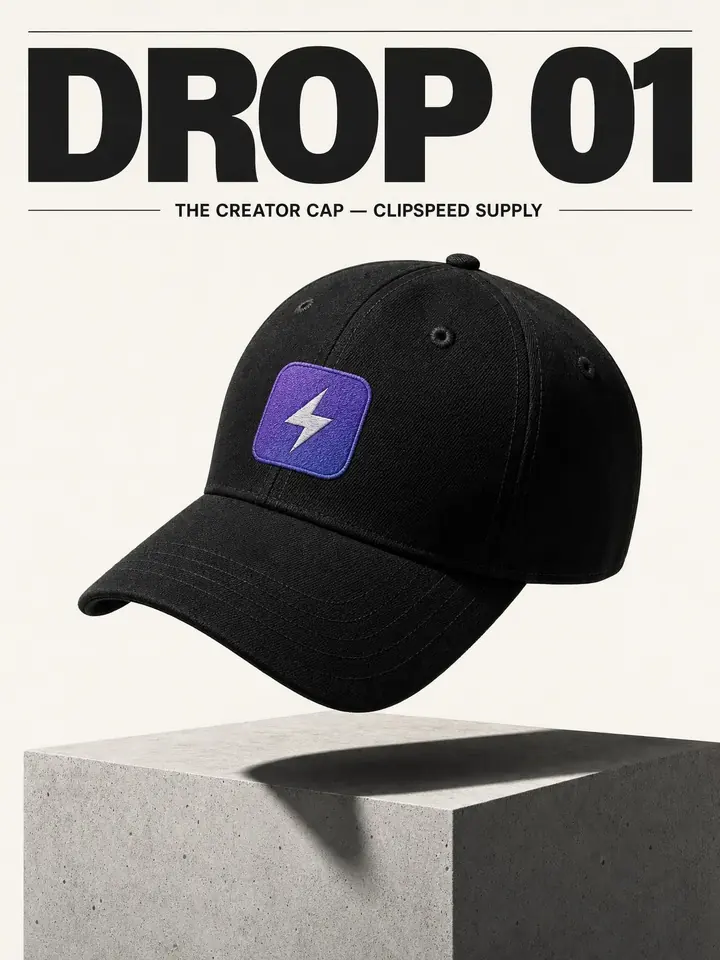
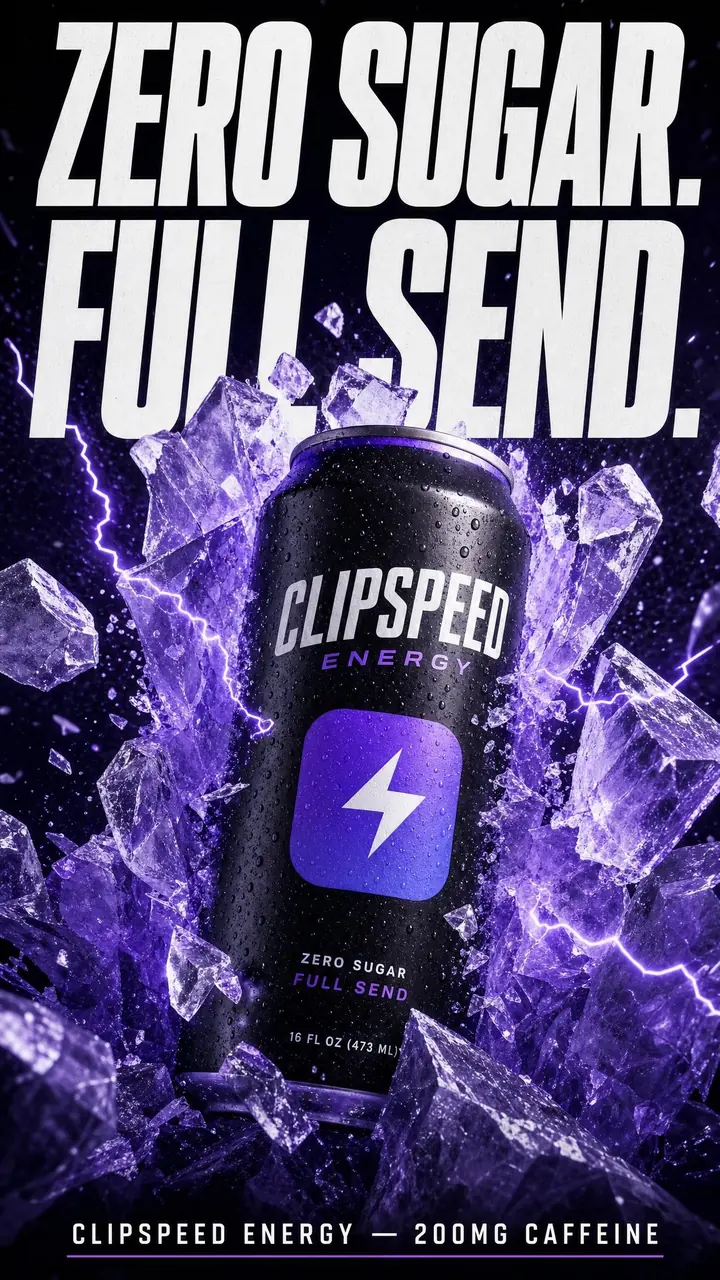
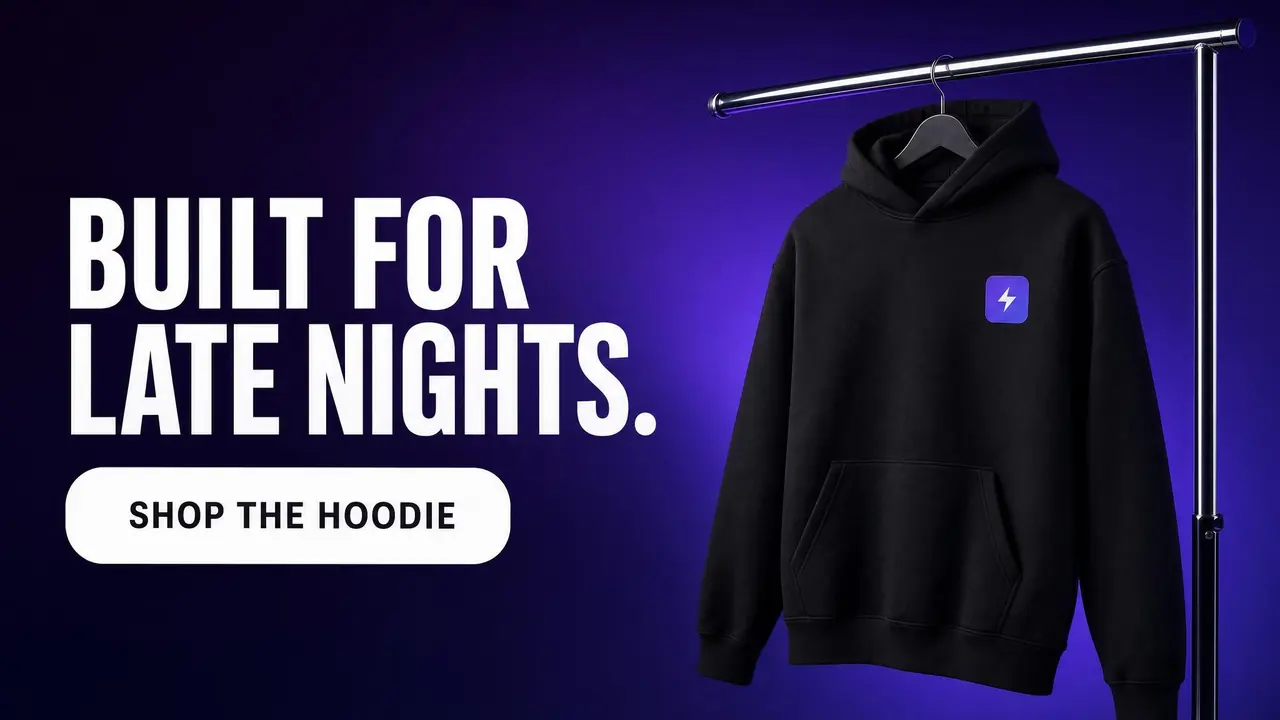
Ad posters and a banner for a fictional ClipSpeed product line, made with GPT Image 2. Tap “Use prompt” for the exact prompt.
Product, headline and a call to action in one image.
Wide layouts with a headline on one side and the product on the other.
Square and vertical posts with short, readable copy.
Lists of items, dates and prices laid out cleanly.
Your product photo placed into a new layout, label kept.
A designed still that becomes the first frame of a video.
Seedance, Kling, Veo, MiniMax, Nano Banana Pro and GPT Image 2 all draw from the same monthly credits as your clips. No stack of subscriptions.
Every generation shows its credit cost for the model, length and quality you picked before you confirm it.
Add a reference image as the first frame on any video model, or up to four reference photos on Nano Banana Pro and GPT Image 2.
You keep full ownership of what you generate. Download it, post it, run it as an ad.
Tap one to drop it into the generator above, then make it yours.
Describe the layout, the subject and the exact words in quotes.
Up to four images, such as your product or your logo.
Credits are shown before you confirm.
GPT Image 2 is OpenAI’s image model, available in ClipSpeed’s AI image generator next to Nano Banana Pro and Grok Imagine. It is the model to pick when the image is a design: a poster, a banner, a menu or a social graphic where the words have to be right and the layout has to follow your brief.
Put every word you want on the image in quotes and say where it goes: “headline at the top”, “small line at the bottom”, “a rounded button on the right”. GPT Image 2 sets short headlines cleanly, which is why the three ad images on this page went from prompt to finished layout in one generation. Keep copy short; long paragraphs are where any image model starts to slip, so check every word before you publish.
Attach up to four images and GPT Image 2 uses them: your product, your logo, a style you like. Say what to keep (“keep the can and its lettering unchanged”) and what to change. For photoreal product scenes, Nano Banana Pro is often the better choice; for layouts with copy, GPT Image 2.
GPT Image 2 renders 1:1, 9:16, 16:9, 3:4, 4:3, 2:3 and 3:2 in ClipSpeed, at low, medium or high quality. Low is fine for testing a layout; high is for the final. A finished still can also be the first frame of a video on any video model. See our AI poster generator for poster-specific prompts.
1 credit at low quality, 2 at medium and 5 at high, from the same monthly credits as your videos and clips.
OpenAI’s image model, available in ClipSpeed’s AI image generator. It follows detailed briefs closely and sets short headlines you can read.
Yes. Put the exact words in quotes and say where they go. Keep copy short and check it before you publish.
Yes. Attach up to four reference images and say what to keep unchanged.
GPT Image 2 for designed images with copy, such as posters and banners. Nano Banana Pro for photoreal scenes and sizes up to 4K.
1:1, 9:16, 16:9, 3:4, 4:3, 2:3 and 3:2.
Everything runs on one monthly credits wallet that you also use for clipping: Starter is $19 for 300 credits, Pro $39 for 600 and Ultra $99 for 1,500. GPT Image 2 is 1 credit at low quality, 2 at medium and 5 at high. The generator shows the credits before you confirm, and credits reset each billing cycle. See pricing for the full table.
New accounts can start with a $1 3-day trial: 30 minutes of clipping on any plan, watermark-free, plus your own AI Influencer. AI Video, AI Images, Morphaze and AI Ads unlock when your plan starts — or skip the trial in the app to unlock them now.
You do. Our Terms say you keep full ownership of anything you upload or generate, and you are responsible for how you use it — including having the rights to any photo or clip you upload. Platforms increasingly ask you to label realistic AI video; our disclosure guide covers YouTube, TikTok and Meta.
 AI Video Generator
 AI Image Generator
 AI Influencer Generator
 Morphaze AI Character Swap
 AI Motion Transfer
 AI Dance Video Generator
 AI Ad Generator
 AI UGC Video Generator
 AI Product Photo Generator
 Image to Video
 Text to Video
 AI Spokesperson Video
 Faceless Video Generator
 AI Storyboard Generator
 AI Poster Generator
 AI Product Video Generator
Plans from $19 a month for 300 credits, shared across every AI model and your clips. Pro is $39 for 600, Ultra $99 for 1,500. Cancel anytime.
AI video, AI images, AI influencers and AI clipping on one credits wallet, in the web app and inside Claude and ChatGPT.
Start creating Seedance 2.5
 Nano Banana Pro
 Kling 3.0
 Veo 3.1
 Seedance Fast
 MiniMax H3 (Hailuo)
 GPT Image 2
 AI Clip Maker