From Prompt to Posted: The AI Video Workflow for TikTok, Shorts and Reels
 ClipSpeedAI
◷ 12 min read
Updated
ClipSpeedAI
◷ 12 min read
Updated
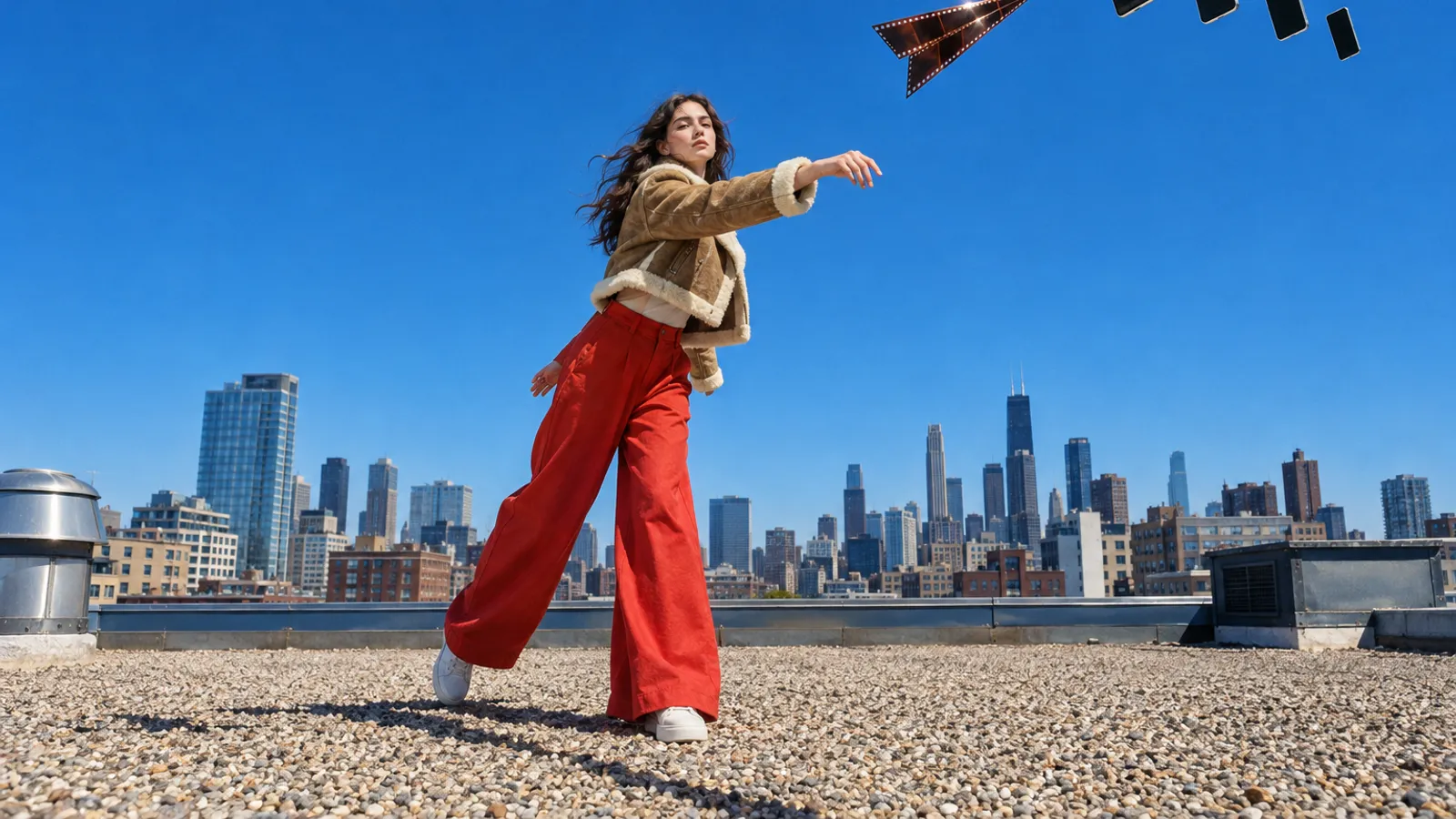
To get an AI video from a prompt to a posted Short, run seven stages: generate in 9:16 with a spoken line, assemble and trim, check the vertical frame, burn in captions inside the safe zone, test the first second, set each platform's AI label and schedule, then read the results and regenerate only what lost. Most generators stop at stage one and hand you a file. ClipSpeed covers the finishing stages today: it cuts a longer edit into captioned 9:16 clips, scores them, and schedules them to TikTok, YouTube, Instagram, X and LinkedIn.
This is the posting half of the job. For when to generate and when to clip, see AI video generation vs AI clipping; for framing, our vertical AI video guide.
What are the stages between a prompt and a posted Short?
Each stage has one job and one test for "done". Skip one and it resurfaces as a cropped face, a covered caption or a missing AI label.
| Stage | Done when | Tools | ClipSpeed's part |
|---|---|---|---|
| 1. Generate | Vertical shots with sound, saved locally | Seedance 2.5, Kling 3.0 Turbo, Veo 3.1; a generation connector in Claude | AI Creator; ClipSpeed Create in early access |
| 2. Assemble | One edit, strong first frame, no dead air | CapCut, DaVinci Resolve or any editor | None |
| 3. Frame | Faces and products in the middle band | Native 9:16 generation | Cuts 9:16 clips from longer edits |
| 4. Captions | Burned in, proofread, clear of buttons | Editor tools, platform auto-captions | Six burned-in styles, from the speech |
| 5. Hook | The first second earns the second | You, a second viewer, Claude | A score per clip; titles, hooks, posting times |
| 6. Label and schedule | AI disclosure set, slots booked | Each app's own uploader | One scheduler for five networks; it doesn't set AI labels yet |
| 7. Review | You know which hook won | Platform analytics | None |
Generators rarely go past stage one. Higgsfield goes furthest: its Claude guide, verified September 17, 2026, says its connector publishes only to TikTok, while Scheduled Tasks on its website reach TikTok, LinkedIn, X and Threads. Google deletes Veo videos after two days, so save every usable take the day you make it.
How do you generate footage that is ready to post?
Settle shape, sound and length before you write the prompt.
- Render 9:16, don't crop to it. A vertical crop of a wide render keeps a narrow slice of the frame the model composed for, so hands or the product often fall outside it.
- Write the line you want captioned. Caption engines transcribe speech; music and ambience give them nothing. Put one quoted line in the audio block or plan a voiceover. Our native audio guide covers dialogue by model.
- Plan the length in shots. One generation tops out between 8 and 30 seconds depending on the model, so a 30-second Short is usually several shots cut together.
| Model (host) | Vertical | Seconds | Native audio | Price per second |
|---|---|---|---|---|
| Seedance 2.5 (fal) | 9:16 and five other ratios | 4–30 | On by default, same price | About $0.4730 at 720p |
| Kling 3.0 Turbo (fal) | 9:16, 16:9, 1:1 | 3–15 | Native audio | $0.112 at 720p |
| Veo 3.1 (Gemini API) | 9:16 or 16:9 | 4, 6 or 8 | Always on | $0.40 |
| Veo 3.1 Fast (Gemini API) | 9:16 or 16:9 | 4, 6 or 8 | Always on | $0.10 at 720p |
From fal's Seedance 2.5 and Kling 3.0 Turbo pages, Google's Veo docs and Gemini API pricing, checked October 8, 2026; per second of output, no discounts.
A 24-second Short from three 8-second shots costs $2.40 on Veo 3.1 Fast, about $2.69 on Kling 3.0 Turbo, $9.60 on Veo 3.1 or about $11.35 on Seedance 2.5 at 720p, before retakes. Budget those with our AI video cost guide.
A post-ready ten-block prompt does two extra jobs: it keeps the bottom of the frame free for captions and hands the caption engine a clean line.
SCENE: 8-second single take, vertical 9:16, real time. A rooftop beekeeper lifts a honeycomb frame out of a hive and holds it up to the lens.
SUBJECT: man in his thirties, short black beard, white ventilated bee jacket with the veil pushed back, yellow nitrile gloves. Same face and clothing throughout.
LOCATION: flat roof of a brick apartment building, three white hives in a row, water towers and a hazy skyline behind.
CAMERA: handheld at chest height, about one metre away, one slow step backwards. No cuts, no zoom.
OPTICS: 28mm equivalent, deep focus on the frame and his face, skyline slightly soft.
ACTION: first he lifts the frame out of the middle hive with both hands; then he turns it toward the camera while bees crawl across the comb; finally he looks into the lens and speaks.
PHYSICS: honey glints and sags at the cut edge of the comb; a few bees lift off and drift, none land on the lens; his forearms tense under the frame's weight.
LIGHTING: low sunrise from camera right, warm rim light on the comb, constant. No lens flare, no second light source.
AUDIO: steady bee hum, distant traffic. In the final beat he says: "Every jar we sell starts on this roof." No music, no subtitles.
STYLE: photoreal, natural colour, light grain. Keep his face and the frame in the middle of the image; leave the bottom third as plain roof and sky. No text, no logos, no watermark.
Takes drifting from the brief? See why AI video ignores your prompt.
What specs does each platform accept?
One vertical master clears all five.
| Platform | Length | Frame | Worth knowing |
|---|---|---|---|
| YouTube Shorts | Up to 3 minutes | Square or vertical | A Short over one minute with an active Content ID claim is blocked worldwide |
| TikTok | 3 minutes for every creator; some accounts get 5 or 10 | 9:16 recommended for ads | 23–60 FPS, 360–4,096 px per side, up to 4 GB; third-party apps can send up to 10 minutes |
| Instagram Reels | Record and edit up to 20 minutes | From 1.91:1 to 9:16 | Reels over 3 minutes aren't recommended to new audiences; at least 30 FPS and 720 px |
| X | 0.5 seconds to 20 minutes; 125 with Premium | Between 1:3 and 3:1; 720×1280 recommended for portrait | 1080p playback for subscribers; H.264 video, AAC-LC audio |
| 3 seconds on desktop (2 in the app) to 15 minutes | From 1:2.4 to 2.4:1 | 10–60 FPS, up to 5 GB |
From YouTube Help, TikTok's developer docs and ad specs, Instagram Help on length and size, X's media docs and LinkedIn Help, checked October 8, 2026. Limits vary by account.
Meta's Reels ad guide asks for at least 14% of the top, 35% of the bottom and 6% on each side kept free of text and logos, because icons and buttons sit there; TikTok ships downloadable safe-zone files instead of percentages. We apply Meta's margins to every vertical feed. Export one master: 9:16, 1080p or higher, H.264 with AAC audio, 30 or 60 FPS.
Have an episode, a stream or a long edit? Let it feed the calendar.
ClipSpeedAI cuts your longer videos into vertical clips with burned-in captions and a score for each, then schedules them to five networks.
Try ClipSpeedAI →How do you caption AI clips so people actually read them?
Burned-in captions travel with the file and look the same everywhere, but a typo ships to all five platforms. More in subtitles vs captions.
- Short chunks. Netflix's English style guide caps a TV subtitle at 42 characters per line, two lines, and 20 characters per second for adults. An upright phone is far narrower, so use two to four words per caption.
- Middle band only. Above the bottom 35%, below the top 14%, never over the speaker's mouth.
- Proofread invented words. Transcription spells slurred brand names phonetically.
- One caption track. With words burned in, leave platform auto-captions off so two lines don't stack.
- Contrast first. An outline or a box keeps text readable over a bright sky; see our caption font guide.
ClipSpeed burns in six styles (karaoke, hormozi, beasty, fire, youshaei and cinematic), transcribed word by word from what is said. No speech, no captions.
How do you check the hook before you post?
AI clips often open on an establishing shot because that is how they were prompted. On a vertical feed, the first frame must carry the reason to stay.
- Freeze the first frame. Payoff, face or question? If it shows sky, trim.
- Read the first line aloud. If it needs the second sentence to make sense, rewrite it.
- Watch it muted. The story should survive on picture and captions alone.
- Get a second opinion. Paste the transcript into Claude with the prompt below.
Here is the transcript of a 25-second vertical AI video and a one-line description of its first frame.
First frame: [describe it]
Transcript: [paste it]
1. In one sentence, what does a viewer learn in the first two seconds?
2. Give me three alternative opening lines under eight words each that put the payoff first. Don't invent facts that aren't in the transcript.
3. Tell me which existing shot should open the video instead, if any, and why.
ClipSpeed scores every clip it cuts, and its creator_pack tool suggests a title, an opening hook and a posting time per clip. Treat the score as an order to post in, not a forecast of views. More opening patterns: hooks for the first second.
How do you set the AI label on each platform?
Label first, then schedule. YouTube, TikTok and Meta ask you to disclose realistic AI footage in their own upload flows. ClipSpeed's scheduler doesn't set those flags yet and posts clips as ordinary footage, so upload realistic AI clips through each platform's own app with the label on; stylized or animated work that needs no label can go through the scheduler.
| Platform | When you must disclose | Where the flag is |
|---|---|---|
| YouTube | Realistic content that AI meaningfully altered or generated; captions, colour fixes and AI-helped scripts don't count | "AI use" in the Attributes section of the Studio upload flow. Repeated failure to disclose can mean removal or suspension from the Partner Program |
| TikTok | AI-generated content with realistic images, audio or video | More options, then the AI-generated content setting. Content carrying C2PA Content Credentials may be auto-labeled, and an auto label can't be removed |
| Instagram and Facebook | Photorealistic video or realistic-sounding audio that was digitally created or altered | Meta's disclosure tool, which adds the "AI info" label; Meta says it may apply penalties if you skip it |
| Its help center describes labels, not a disclosure rule | A C2PA icon on media that carries credentials; in select countries you can self-attest AI use | |
| X | Its Authenticity rules ban media shared as authentic that is deceptively altered or fabricated and can cause serious harm | No upload setting is described; say it in the post text |
From YouTube Help, TikTok Support, Meta, LinkedIn Help and X Help, checked October 8, 2026. Monetization rules go further; see can AI videos be monetized and our disclosure rules guide.
Veo videos carry Google's invisible SynthID watermark, but don't count on detection surviving a re-encode; set the label yourself.
Pick a cadence you can keep
Testing a new AI series? Start with three posts a week. Once a format works, batch a week of clips and schedule them daily, with a fixed slot and a distinct title per platform; windows are in best posting times and a template in our content calendar guide. After 48 hours, read each platform's analytics and regenerate only the beat that lost viewers.
Can you run the whole pipeline from Claude?
Most of it. Add a generation connector plus ClipSpeed's clipping connector at https://api.clipspeed.ai/mcp (setup: generate AI video from Claude or ChatGPT), and set every tool that spends or posts to need your approval. The AI generation MCP server roundup compares the generation side.
| You ask | Tool | Result |
|---|---|---|
| "Price this prompt, 8 seconds, 9:16, then wait." | fal get_pricing, then run_model; or ClipSpeed Create (early access) | A quote, then a render once approved |
| Cut three takes into one edit | Your editor | One file, uploaded to ClipSpeed or as an unlisted YouTube video |
| "Clip this link vertical, karaoke captions." | submit_to_clipspeed | A project ID |
| "Show the clips with scores." | check_clips | Captioned 9:16 clips and a library link |
| "Titles and hooks for TikTok." | creator_pack | Titles, hooks, posting times |
| "Publish clip one to YouTube, private." | publish_to_youtube | A private upload to review |
| Schedule the other four networks | The scheduler in the app | Queued posts |
ClipSpeed Create runs a generation only after the account owner approves its quote on a signed-in ClipSpeed page, so the assistant can't spend for you. The YouTube tool and the scheduler post clips as ordinary footage, so post realistic AI clips yourself with the label. Details: the MCP hub.
For any video job in this project:
1. Before any tool that generates, clips or publishes, show the exact settings (model, seconds, aspect ratio, resolution, caption style) and the cost, then wait for "go".
2. Generate vertical 9:16 with native audio and at least one spoken line unless I say otherwise.
3. Never publish anything as public. YouTube uploads go out as private; I flip them myself.
4. After clipping, list clips by score with the first line of each transcript so I can judge the hook.
5. Remind me to set the AI label on every platform where the footage is realistic.
Where does each tool fall short?
Strong on generation, and its MCP skills include Subtitles and a Personal Clipper for turning YouTube videos into short clips. But its connector publishes only to TikTok, MCP generations deduct credits at standard rates on every plan, and its own guide says the agent has no built-in credit cap.
A large catalogue with a pricing tool, billed at direct API prices. It hands back files and does nothing about captions, labels or posting.
Veo 3.1 stops at 8 seconds per generation and deletes files after two days.
They set the AI label properly, but each app schedules only to itself: five platforms, five uploads, five labels.
It is built to cut clips from longer videos, so a lone 8-second shot gains little, and captions need speech. Generated media can't be queued from AI Creator to the scheduler yet, so an assembled edit goes through clipping instead. The Claude connector publishes only to YouTube, the scheduler can't set AI labels yet, and post analytics stay in each platform's own app.
Which path fits your content?
- One standout 8-second shot → caption it in your editor and post natively with the AI label.
- A weekly AI series (avatar host, explainer, story) → assemble episodes and let ClipSpeed cut, caption and score them; schedule stylized clips there, post realistic ones natively with the label.
- Everything from a chat → a generation connector plus ClipSpeed's clipping connector in Claude.
- A product ad → product photo to video ad.
Pre-post checklist
- Rendered 9:16 at the source; every usable take saved locally
- First frame shows the payoff, a face or the question
- A spoken line, captioned and proofread
- Nothing in the top 14%, bottom 35% or outer 6%
- Under a minute if the soundtrack could be claimed
- AI label set for realistic footage
- A 48-hour review in the calendar
Start with ClipSpeedAI on the episodes and long videos you already have, and schedule the clips to five networks from one place.
Sources and method
Platform limits and AI-label rules were read on each platform's own pages, and model prices on each host's page, on October 8, 2026; dollar totals are our arithmetic. ClipSpeed details come from its MCP page, connector tool list and posting code. We ran no renders or posting tests, and the cadence is a planning aid.
- Platforms: YouTube Shorts, YouTube AI disclosure, TikTok media transfer, TikTok ad specs, TikTok AIGC, TikTok on Content Credentials, Instagram reel length, Instagram reel size, Meta Reels ads, Meta AI labels, Meta "AI info", X media, X authenticity, LinkedIn video, LinkedIn Content Credentials
- Models and tools: Veo 3.1, Gemini API pricing, fal Seedance 2.5, fal Kling 3.0 Turbo, fal MCP, Higgsfield Claude guide, Higgsfield MCP for marketers, Higgsfield MCP help, Netflix timed text guide
Got any questions left?
Can you post AI-generated videos to YouTube Shorts and TikTok?
Yes. Both allow AI footage, and both ask you to label realistic AI content when you post it. YouTube says disclosure doesn't limit reach or monetization eligibility; repeatedly skipping it can.
What size should an AI video be for TikTok, Reels and Shorts?
Vertical 9:16 at 1080p or higher, H.264 with AAC audio, 30 or 60 FPS, with text clear of the top 14% and bottom 35%.
Why did my AI clip come back without captions?
Caption tools transcribe speech, and music or ambience has no words. Add a quoted line to the prompt or record a voiceover.
Can ClipSpeed generate the AI video as well?
AI Creator is ClipSpeed's generation workspace, built around Seedance 2.5, Kling 3.0 Turbo, MiniMax H3 Max, Veo 3.1, Gemini Omni 1.1 Flash, Nano Banana Pro, GPT Image 2.5 Flare and GPT Image 2.5 Sunburst, and ClipSpeed Create brings it into Claude or ChatGPT in early access. Its renders can't be queued in the scheduler yet; clipping, captions and scheduling work on video you bring.
Can Claude post an AI video to TikTok directly?
Through Higgsfield's connector, yes. ClipSpeed's clipping connector publishes to YouTube, private by default; TikTok, Instagram, X and LinkedIn are scheduled in its app.
How long should an AI Short be?
Usually two to four generated shots. Stay under a minute if the music could be claimed, and under 3 minutes for Instagram's reach to new audiences.
Related guides
Published by ClipSpeedAI · AI video generation and AI clipping in one place — create with Seedance, Veo, Kling and Nano Banana, then cut it into captioned shorts.