3 GPT Image 2 prompts we rendered in ClipSpeed, each next to the image it made. Copy one, change the subject, and make your own in the GPT Image 2 generator.
How to write a GPT Image 2 prompt
Write the layout before the style: what goes where, then the look.
Put every word in quotes and say where it goes: “huge headline across the top”, “one small line at the bottom”.
Keep copy short; two to five words reads best on a phone. Check every word before you publish.
Attach up to four reference images, such as your product or logo, and say what to keep unchanged.
Test the layout at low quality (1 credit), then render the final at high (5 credits).
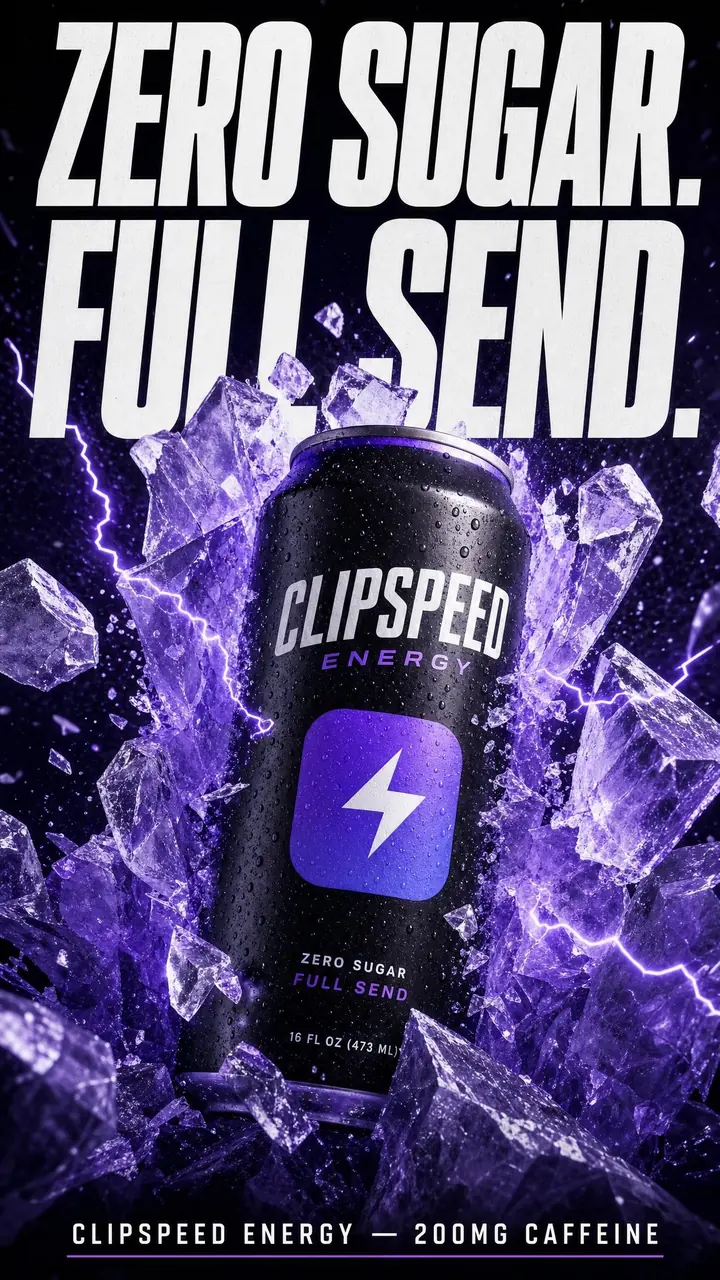
Vertical social ad poster for an energy drink: a matte black can bursting through a wall of crushed violet ice with electric sparks. Huge bold condensed headline at the top: "ZERO SUGAR. FULL SEND." Small line at the bottom with the brand name. Perfectly spelled text.
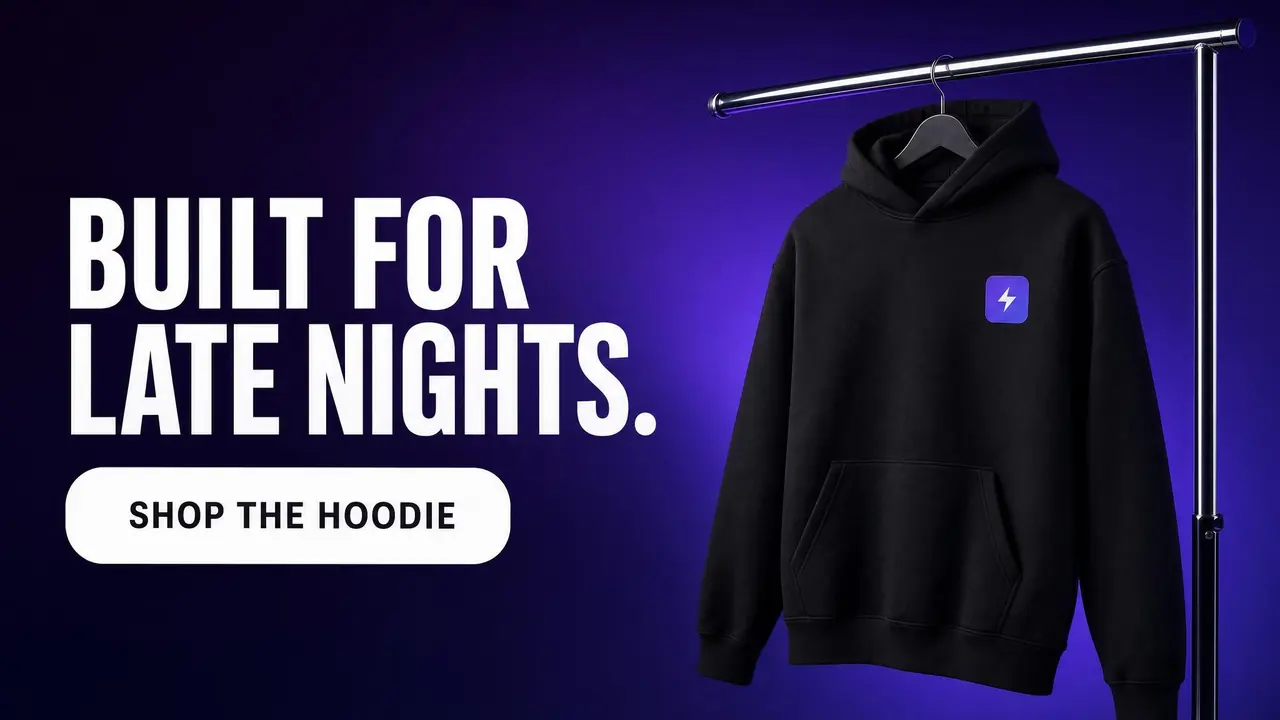
Wide web banner: a black hoodie on a chrome rail against a deep violet gradient on the right; on the left a bold headline "BUILT FOR LATE NIGHTS." and a rounded white button that says "SHOP THE HOODIE".
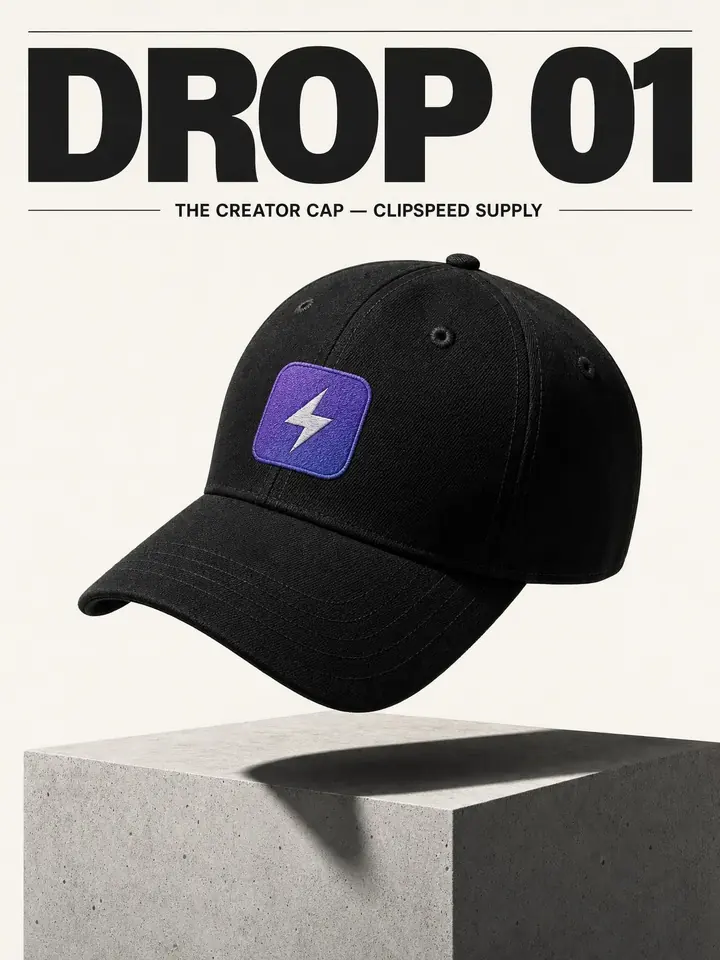
Streetwear drop poster: a black six-panel cap floating above a concrete plinth, hard studio light, long shadow, off-white background. Large bold headline: "DROP 01". Small caption with the collection name. Minimal premium layout.
Write the layout before the style: what goes where, then the look. Put every word in quotes and say where it goes: “huge headline across the top”, “one small line at the bottom”. Keep copy short; two to five words reads best on a phone. Check every word before you publish.
Where can I use these GPT Image 2 prompts?
In ClipSpeed’s GPT Image 2 generator. Open any example, copy the exact prompt, and send it to the generator to make your own version; the credit cost is shown before you confirm.
Are these prompts tested?
Yes. Every prompt on this page was rendered with GPT Image 2 in ClipSpeed, and the image next to it is the result it produced.