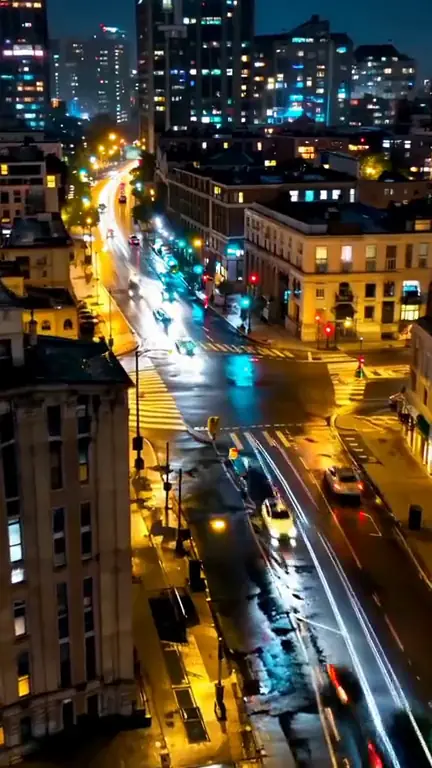
City light trails at night
Rooftop view of a city at night, streams of car light trails flowing through wet intersections, slow push forward, moody blue and amber tones, no people.
15 Seedance Fast prompts we rendered in ClipSpeed, each next to the video it made. Copy one, change the subject, and make your own in the Seedance Fast generator.
Need a starting point? The AI video prompt generator turns a one-line idea into a full prompt, and the prompt checker scores one you already have.
Rooftop view of a city at night, streams of car light trails flowing through wet intersections, slow push forward, moody blue and amber tones, no people.
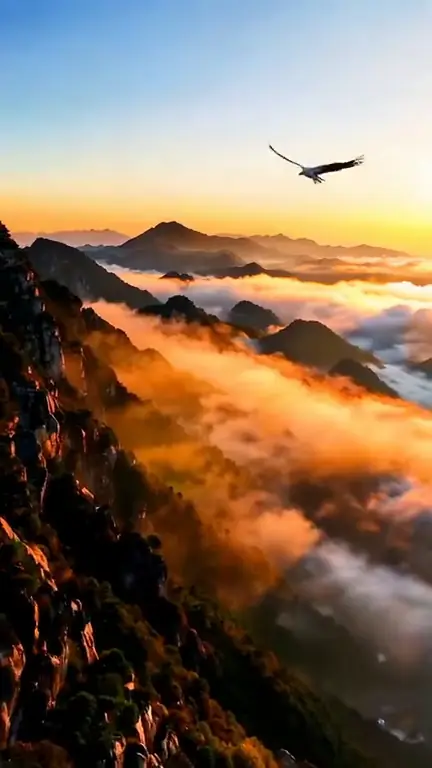
Slow aerial drift over misty mountain ridges at sunrise, layers of fog glowing orange, a lone hawk circling. Cinematic, no people.
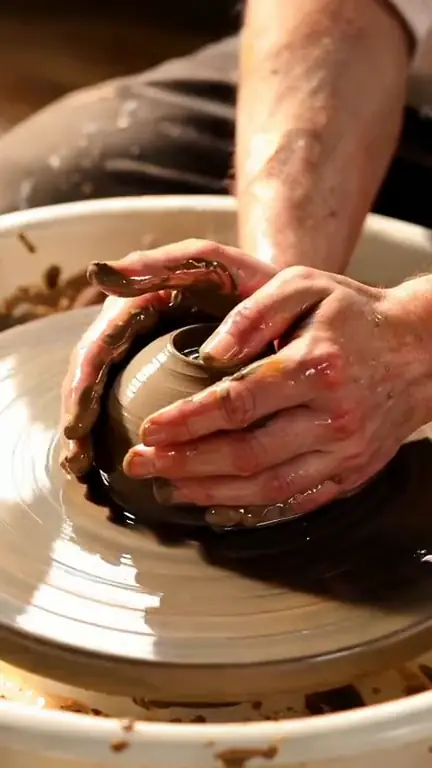
Macro close-up of wet clay rising on a spinning pottery wheel between two hands, water glistening, warm side light, shallow depth of field, faces never visible.
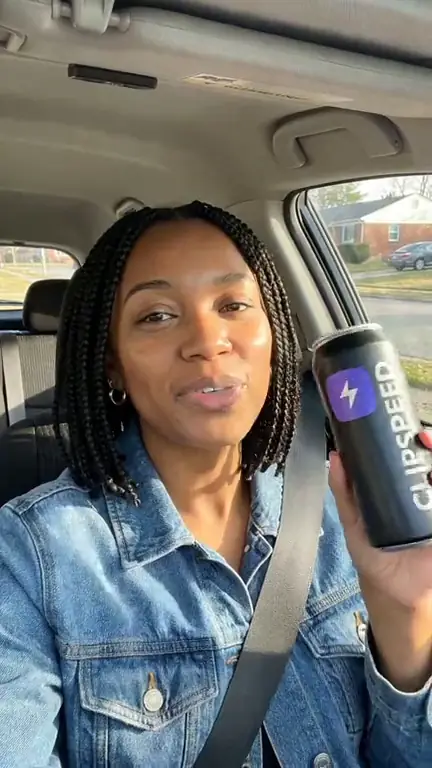
Phone selfie in a parked car on a sunny afternoon: a woman with box braids lifts a matte black energy-drink can to the lens, turns the logo to camera, laughs and keeps talking. Natural UGC style, handheld sway.
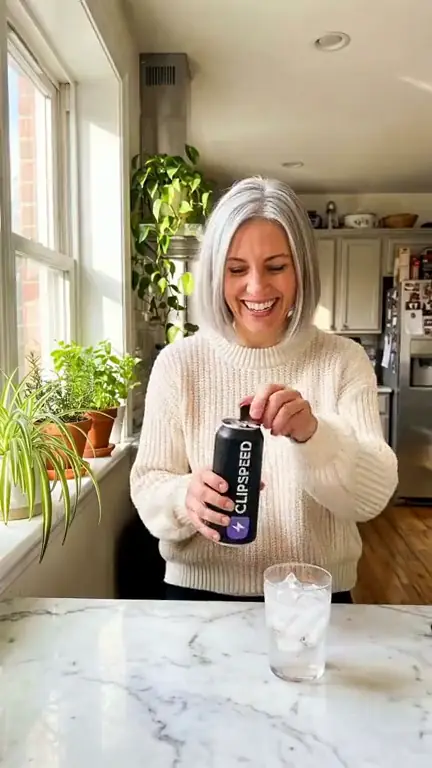
Bright kitchen in morning light: a woman with a silver bob cracks open a can, pours it over ice and laughs into the lens. Marble counter, plants on the sill, natural phone footage.
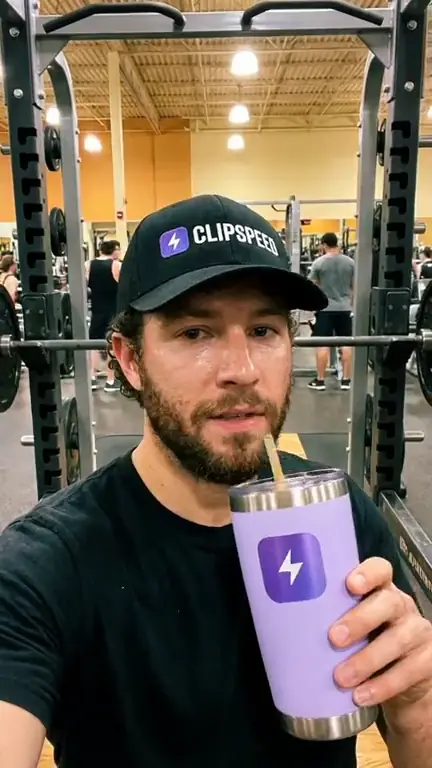
Front-camera gym selfie: a bearded man in a black cap raises a lavender tumbler to the lens, takes a quick sip, nods and starts talking. Squat racks and people training behind him, handheld sway.
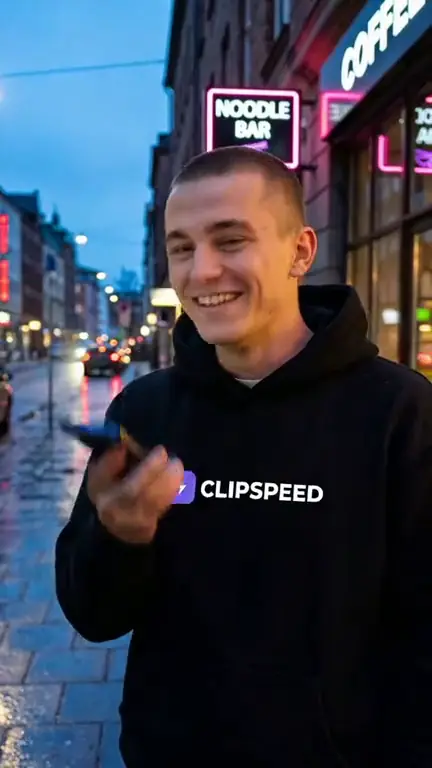
Blue-hour city street: a young man lowers his phone, grins, steps back and pulls his hoodie flat to show the logo on the chest. Neon signs, light rain, handheld.
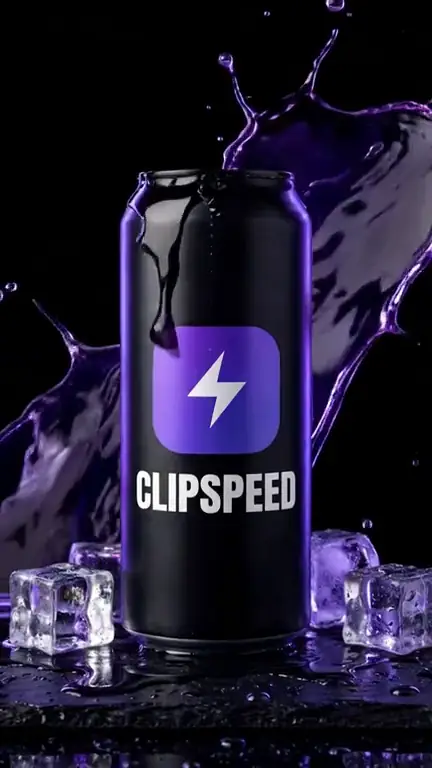
Slow cinematic push-in on a matte black can on wet slate as condensation rolls down, a splash bursts behind it and ice cubes tumble, violet rim light sweeping across the metal.
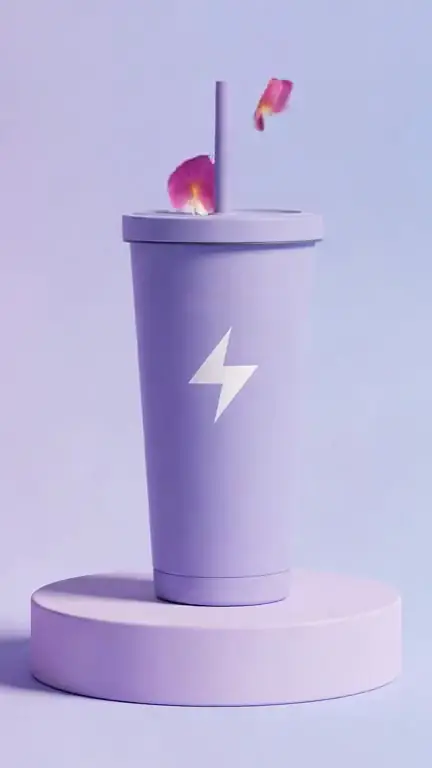
The camera slowly orbits a lavender tumbler on a lilac podium, soft light gliding across the matte surface, a few petals drifting down. Clean e-commerce hero shot.
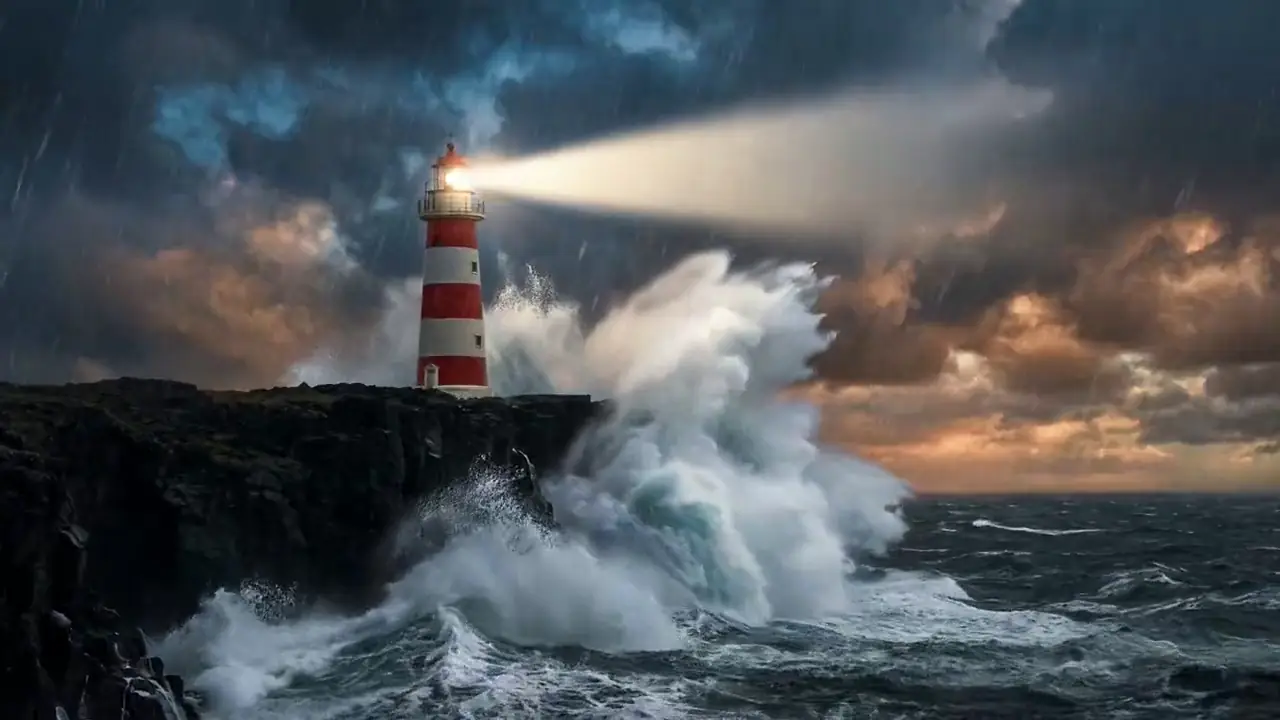
Huge waves explode against the cliff, rain lashes sideways, the lighthouse beam sweeps across the storm, slow aerial push toward the lighthouse.
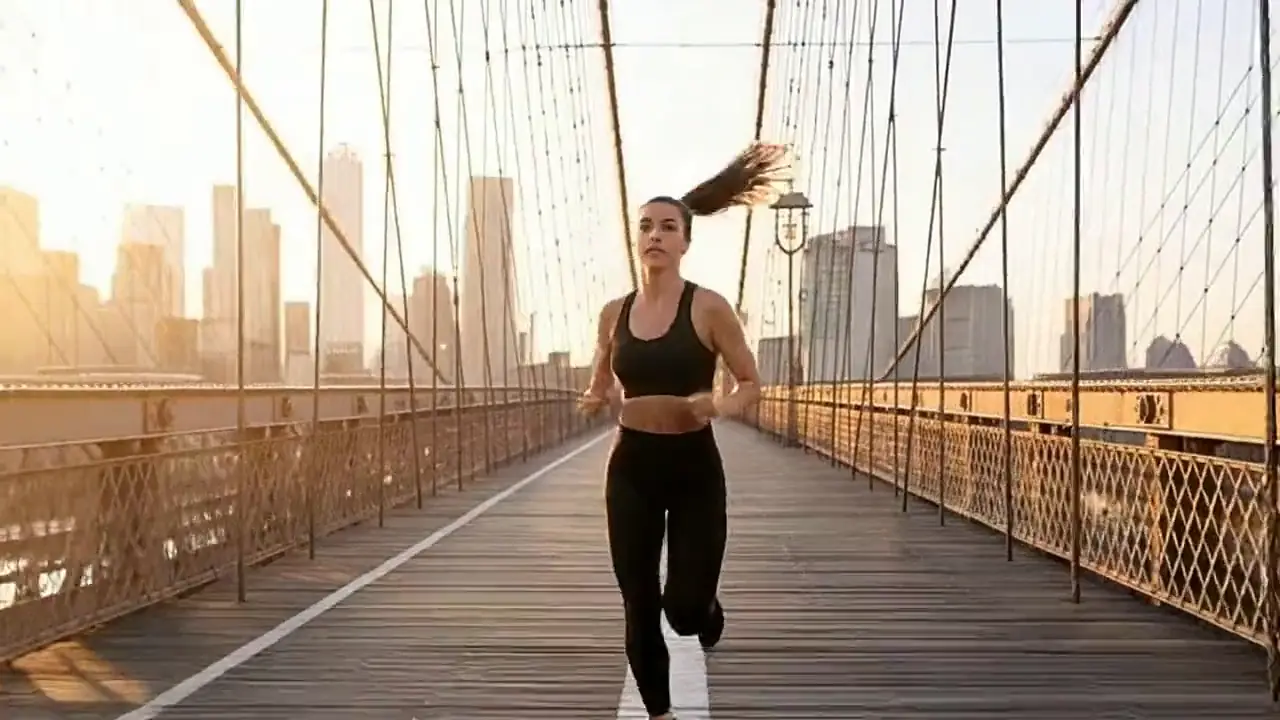
The runner sprints across the bridge at sunrise, tracking shot from the side, her ponytail swinging, golden light flaring through the cables.
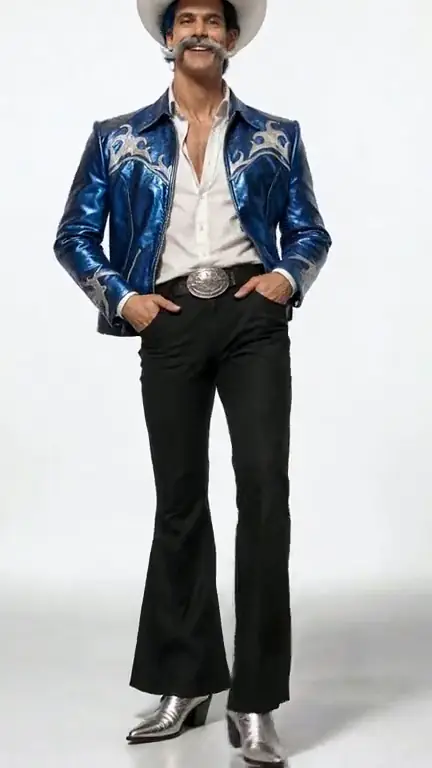
The character struts toward the camera with a confident grin, tips his hat and strikes a pose. Fashion-film lighting, smooth dolly back.
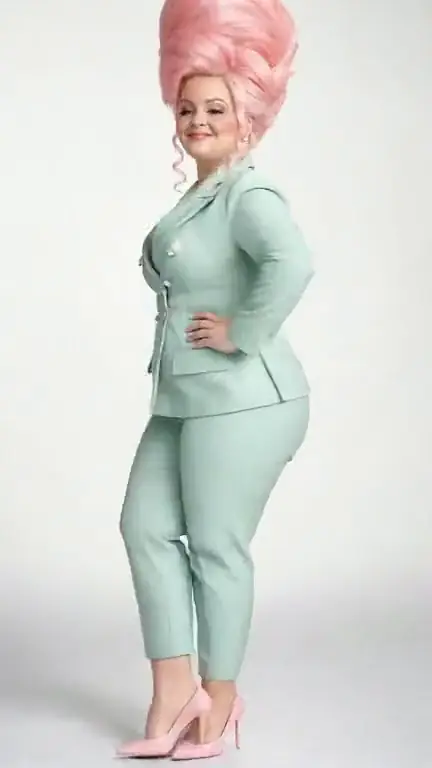
The character spins once on the spot, blows a big bubblegum bubble and points at the camera. Playful fashion-film energy, smooth handheld.
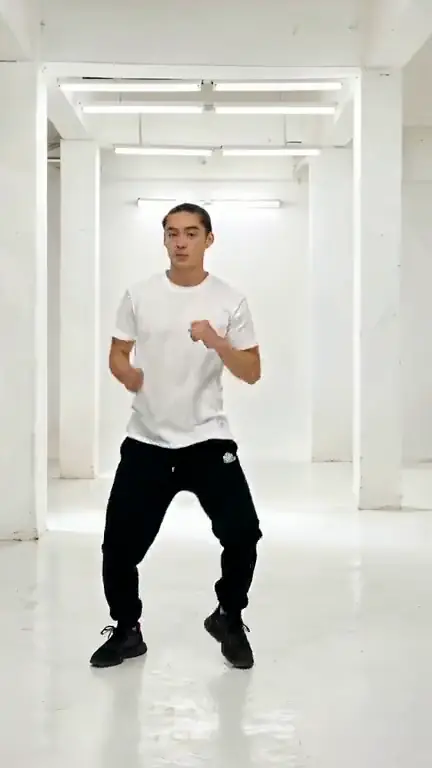
Full-body shot of a dancer in a white tee and black joggers performing an energetic hip-hop routine in an empty white studio. Static camera, whole body always in frame.
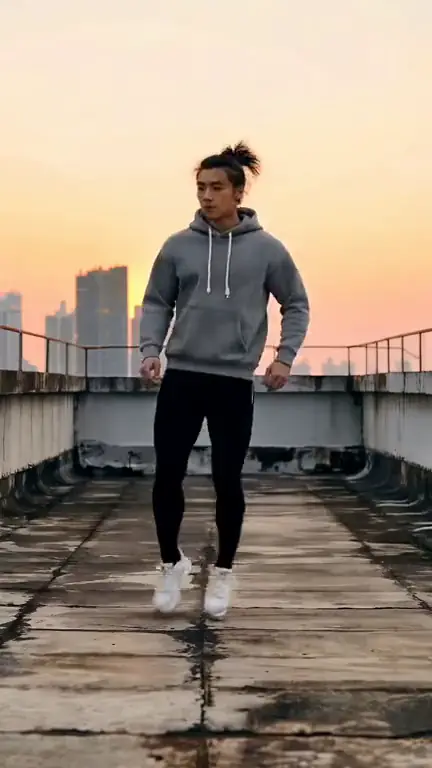
Full-body shot of a dancer in a grey hoodie doing a smooth shuffle and spin on a concrete rooftop at golden hour. Static camera, head to toe in frame.
Keep it to one idea per clip: Seedance 1 Pro Fast renders 2 to 12 seconds. Use plain, physical description: the framing (“phone held at arm’s length, chest-up”), one action, the setting and the light. With a start frame added through “+ Add reference”, describe only the movement; the image already sets the look.
In ClipSpeed’s Seedance Fast generator. Open any example, copy the exact prompt, and send it to the generator to make your own version; the credit cost is shown before you confirm.
Yes. Every prompt on this page was rendered with Seedance Fast in ClipSpeed, and the video next to it is the result it produced.
Seedance 2.5 prompts · Nano Banana Pro prompts · GPT Image 2 prompts · All AI examples
AI video, AI images, AI influencers and AI clipping on one credits wallet, in the web app and inside Claude and ChatGPT.
Start creating